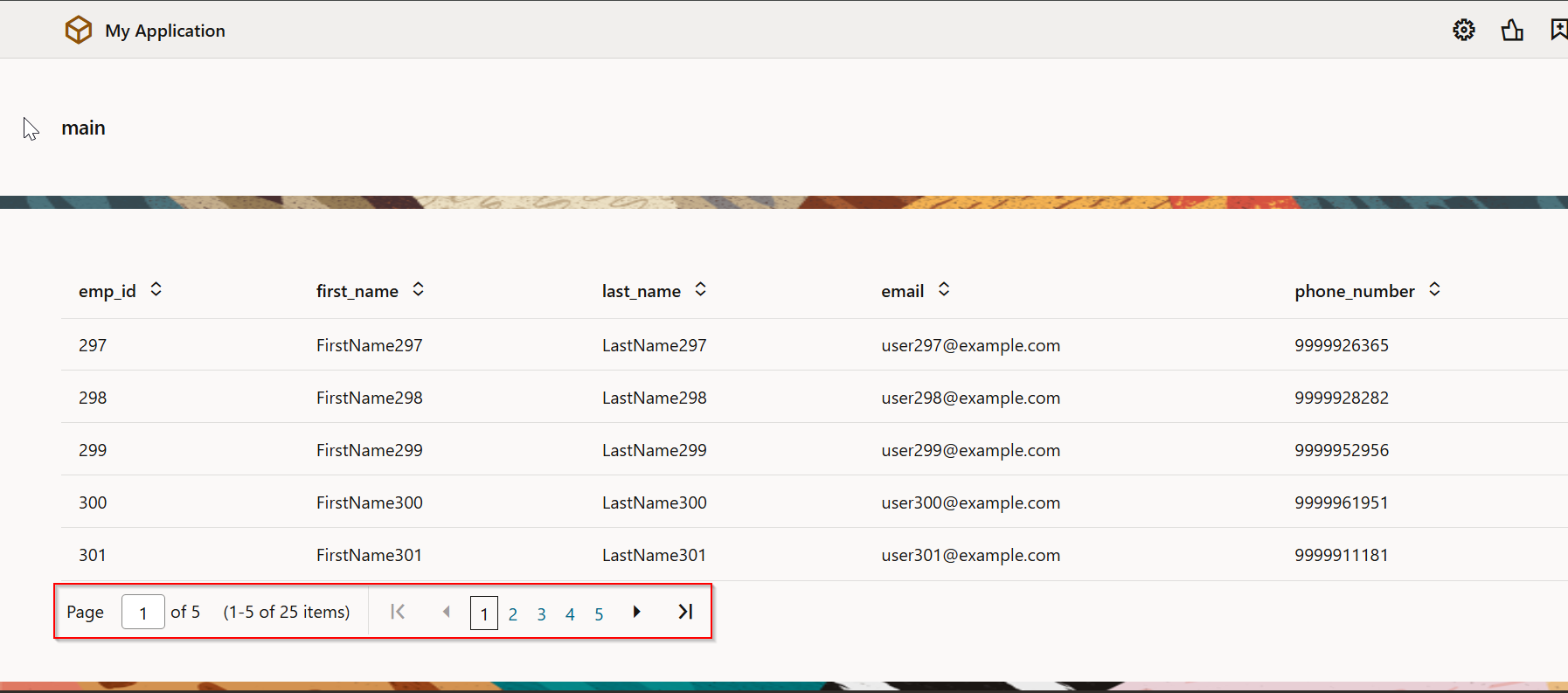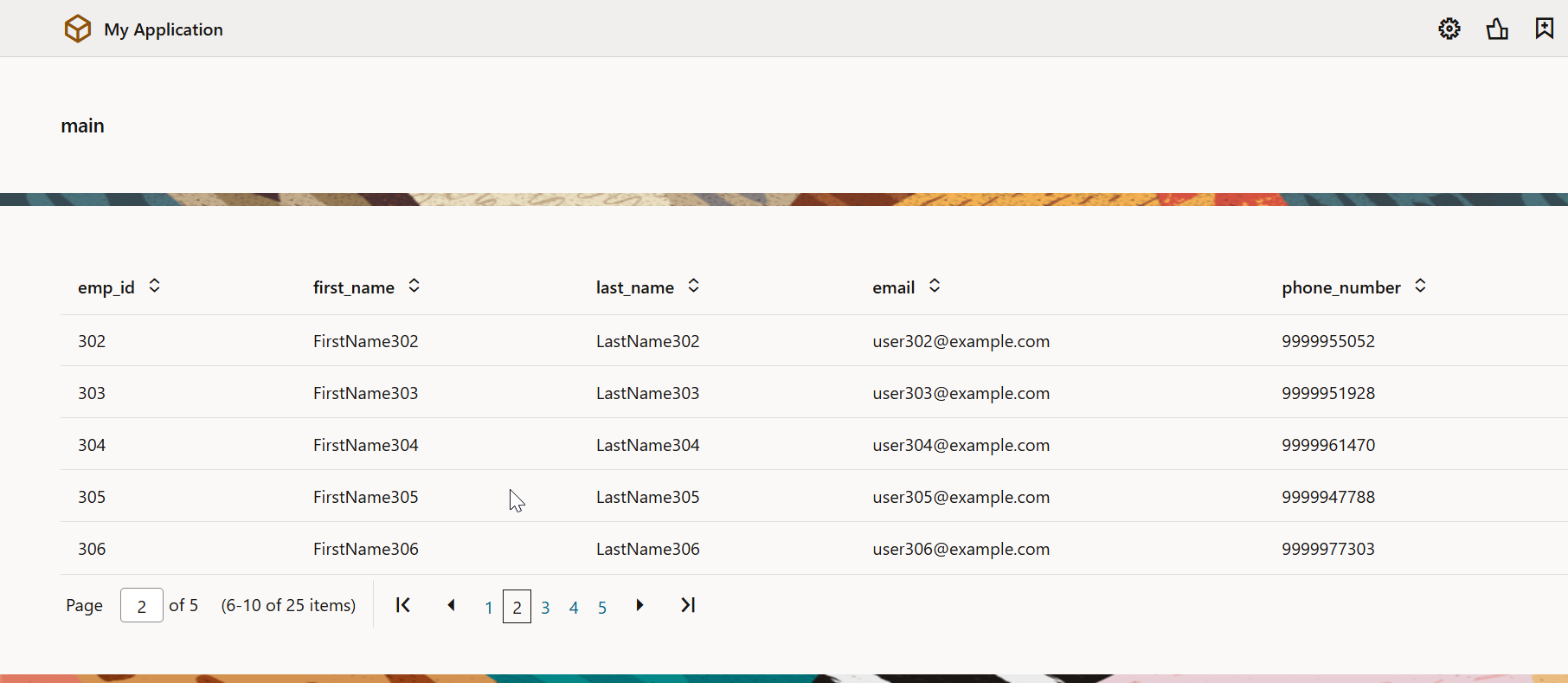
Implementing Pagination Control for Table using ADP in Oracle VBCS
In earlier posts, we have seen how to implement pagination in VBCS page using ADP variable for ORDS data source.
In this post, we will see how to implement pagination control for table using ADP variable.
Let us create new Web Apps for this requirement.

Click on Create.
Use the Same Service Connection to get data using ORDS which we have used earlier.
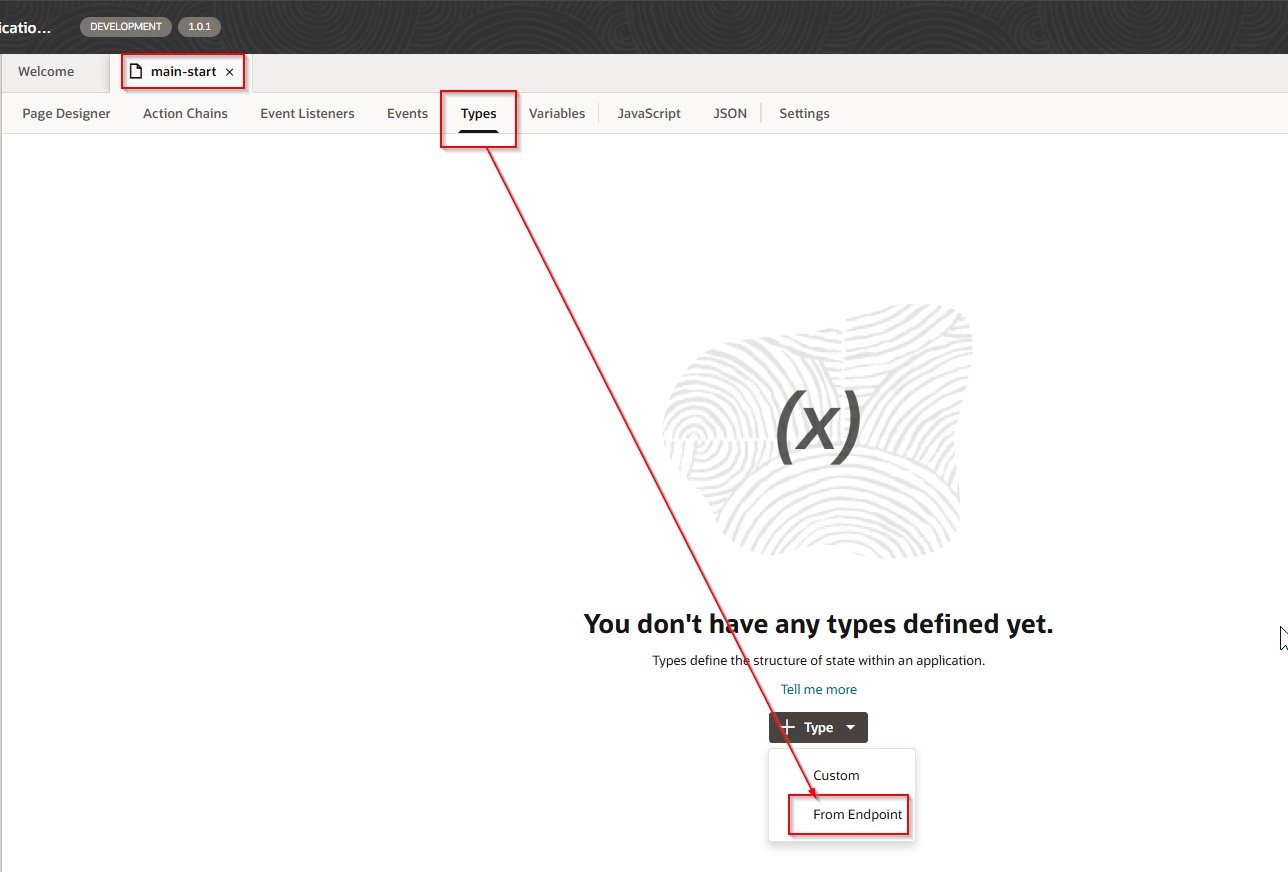
Create new Type from Endpoint.
Navigate to Types —>From Endpoint
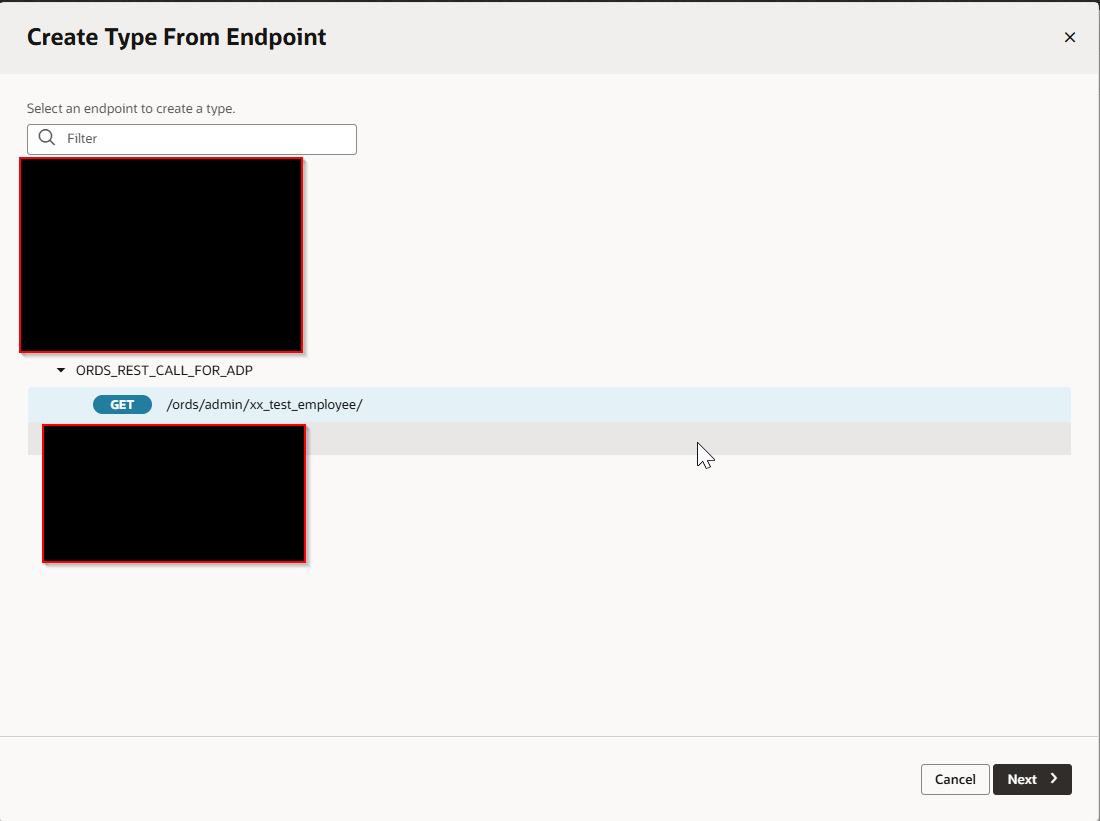
Select service connection endpoint and click Next.
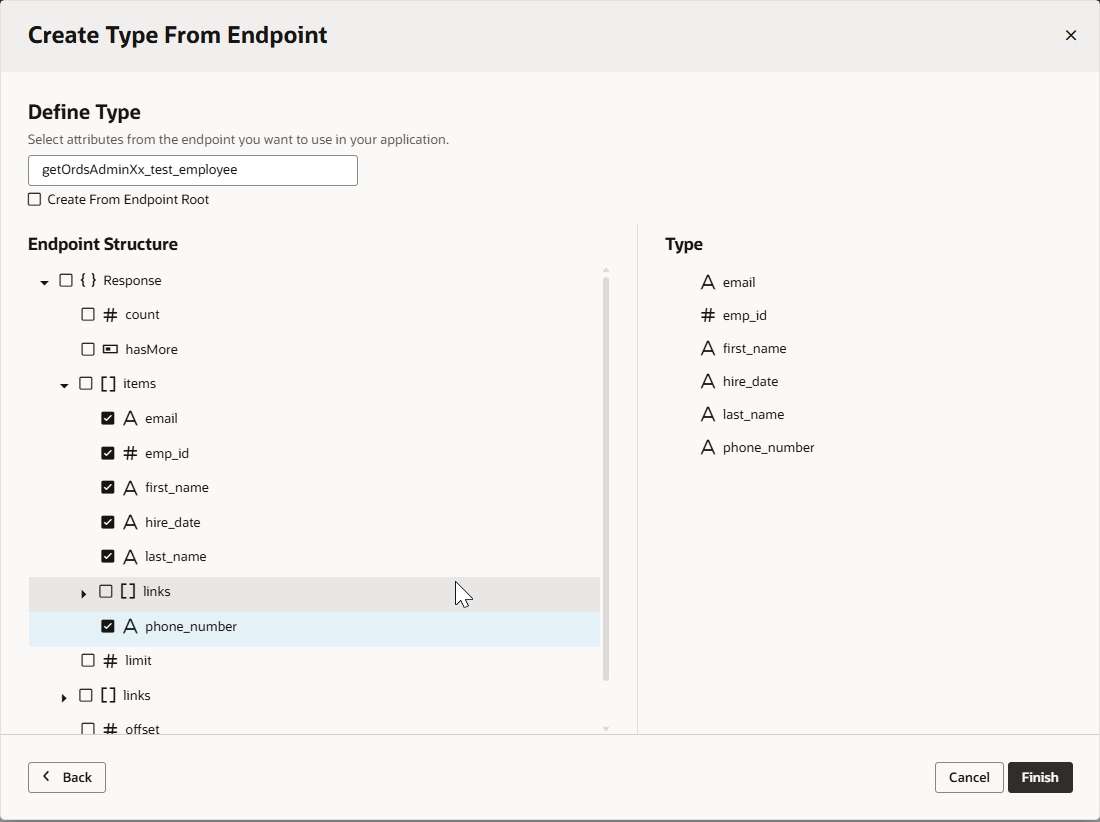
Select required fields and click Finish.

Create ADP variable based on this type.
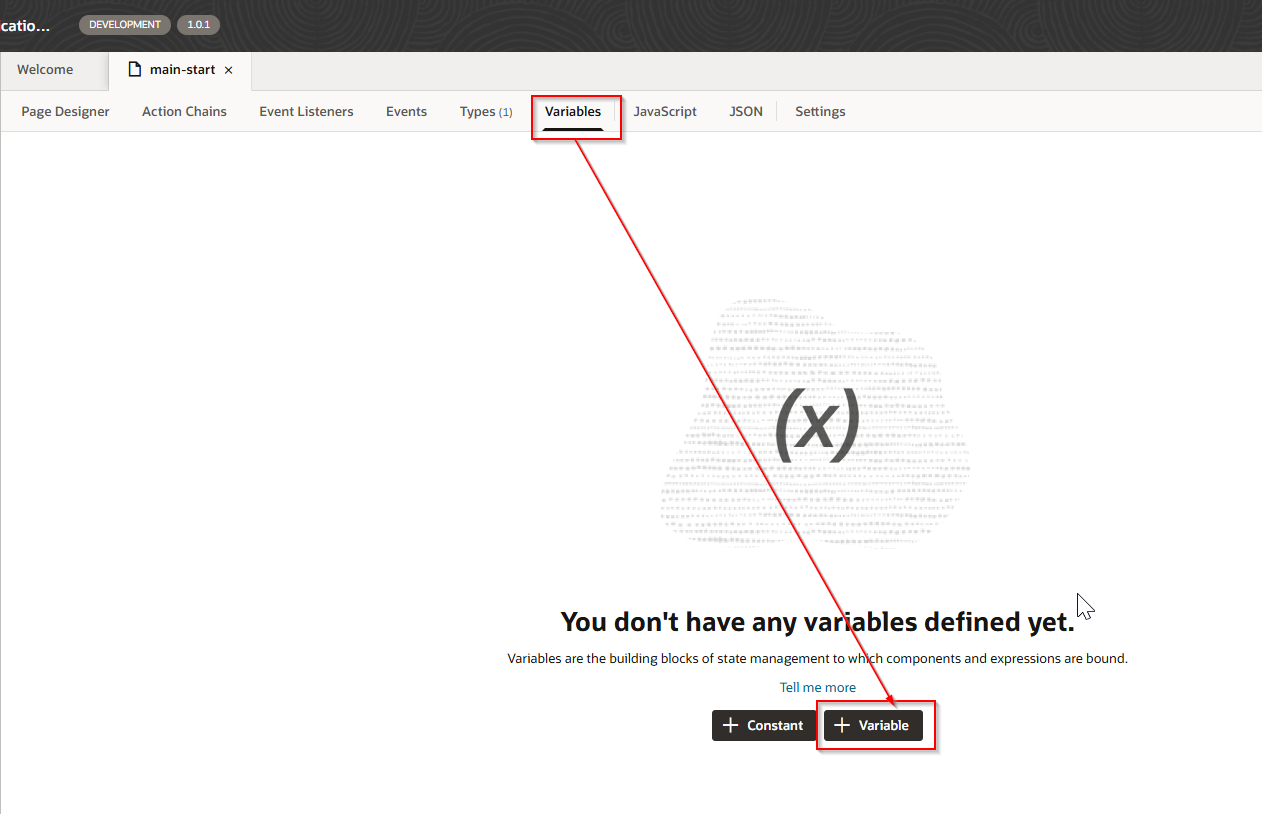
Navigate to Variables —>Variable.

Now create Table on VBCS page and assign ADP variable as data source.

Create VB Enter event to populate ADP variable when page loads
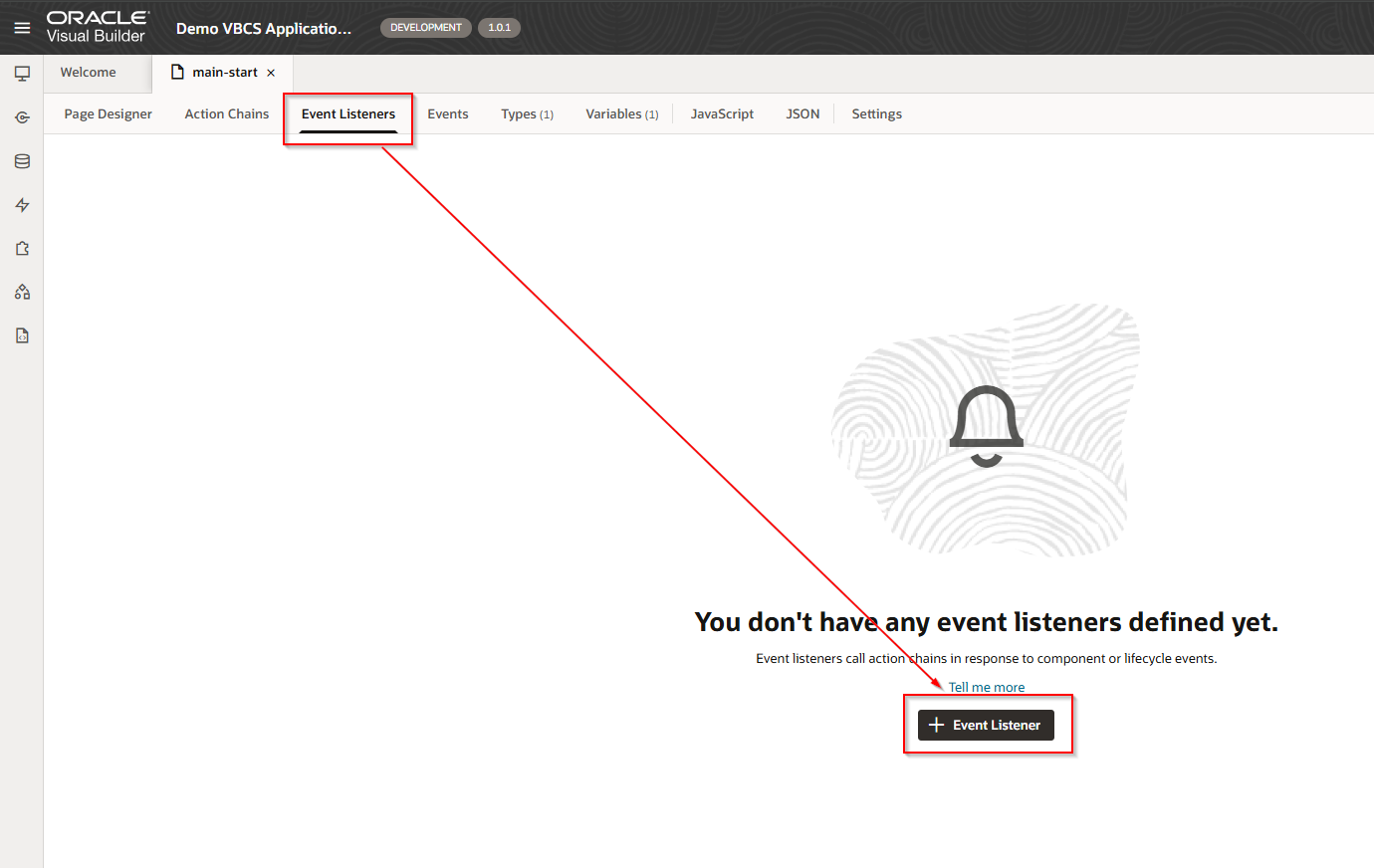
Navigate to Event Listeners —->Event Listener.
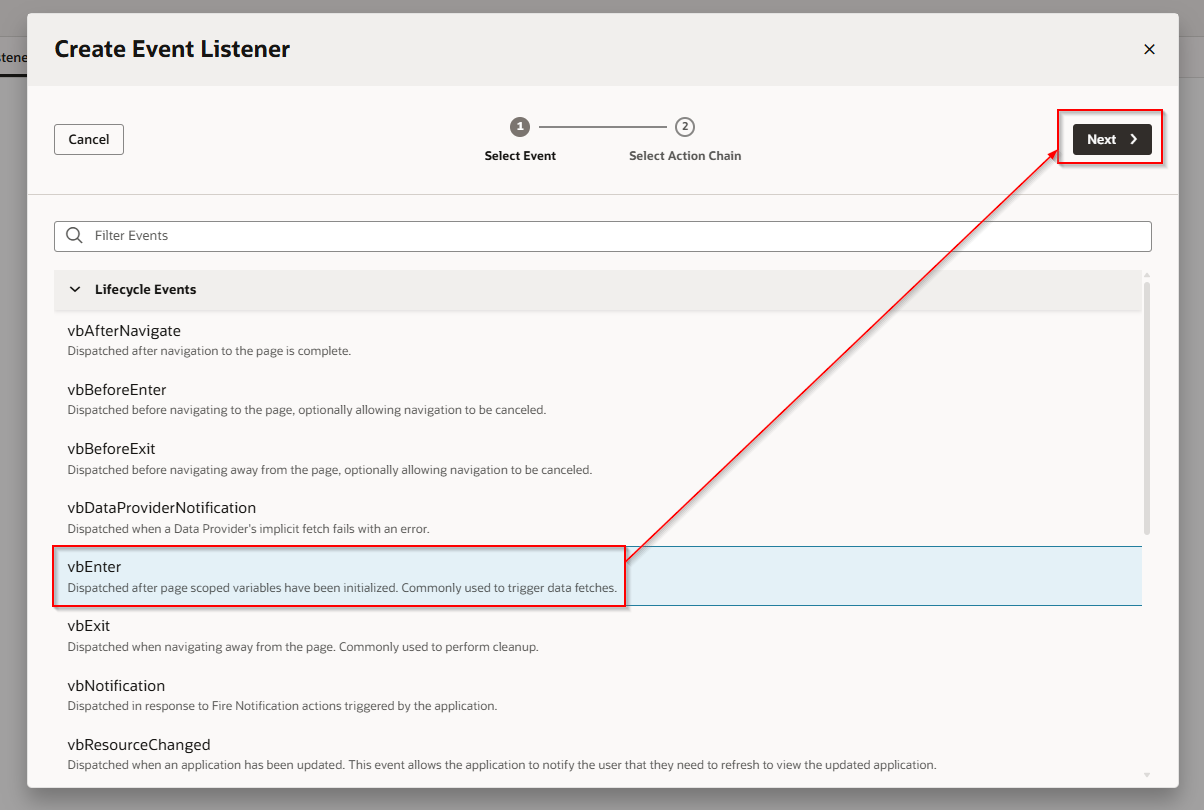
Select Create Page Action chain and click on Finish

This will create new action chain.
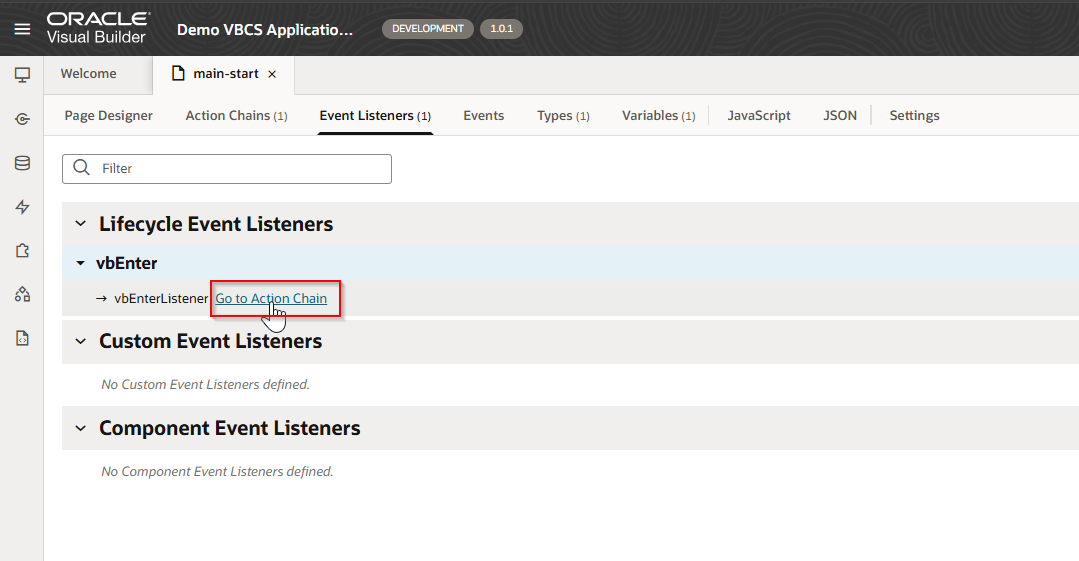
Click on “Go to Action Chain”.
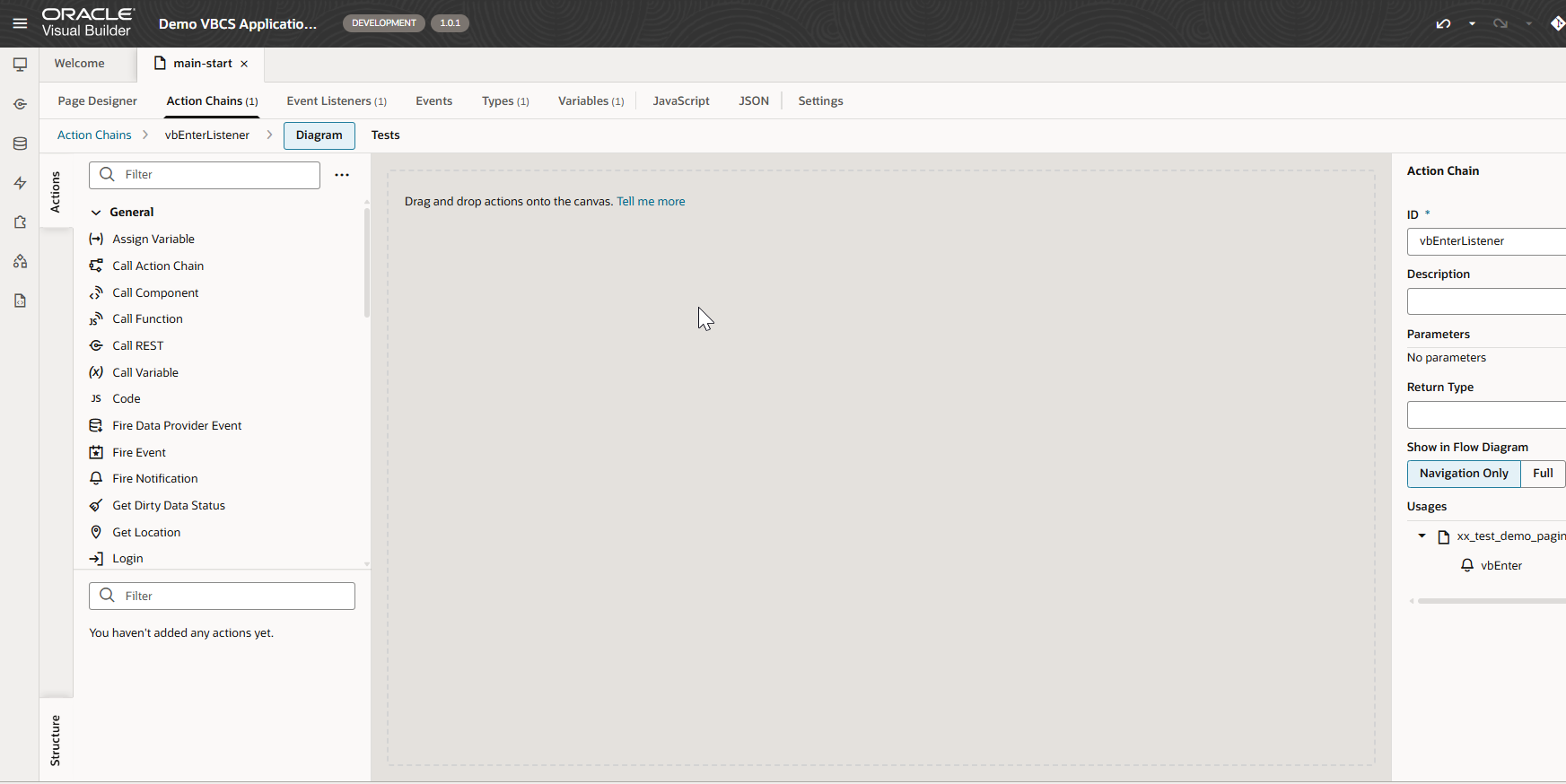
Let us call ORDS REST API in action chain and assign response to ADP variable.


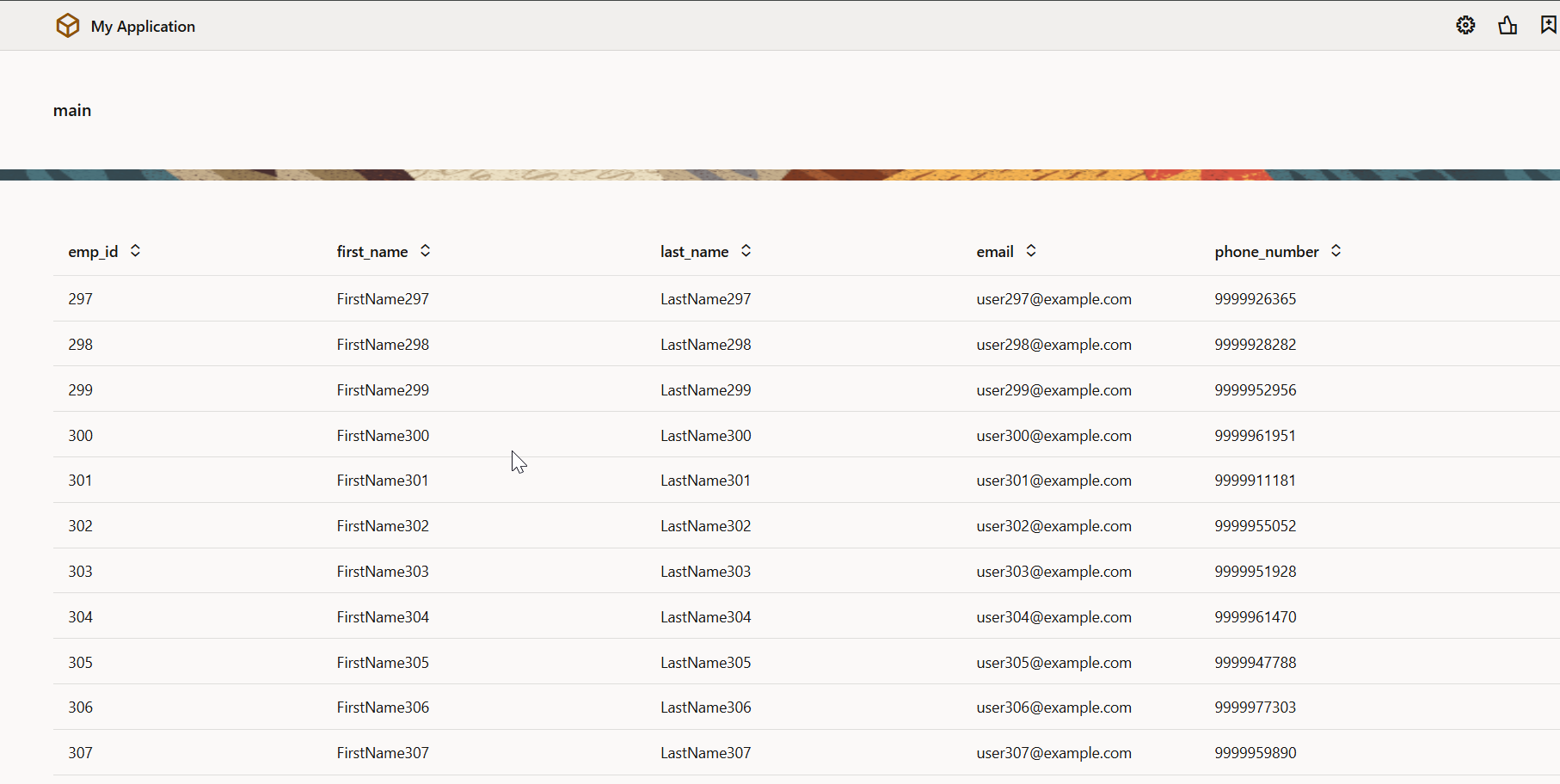
Run the application.
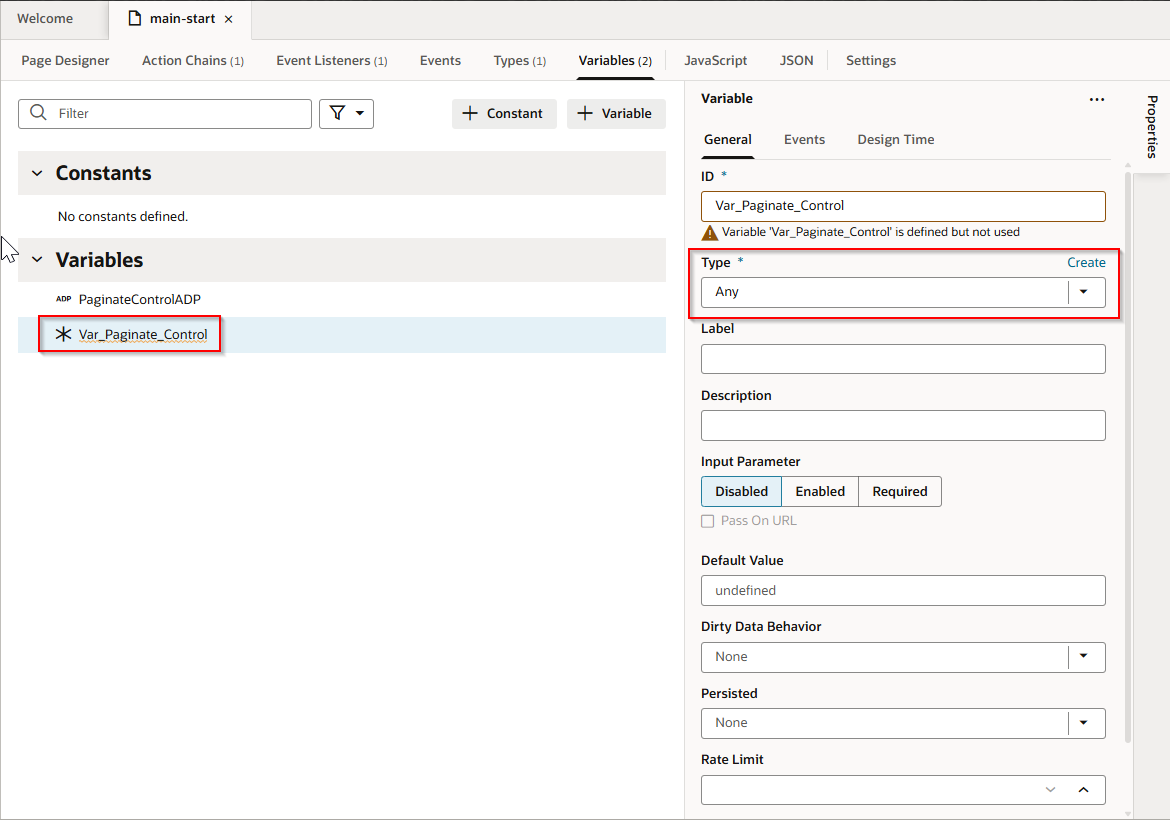
Create variable with type as Any.
Pagination control can be achieved using javascript function.
Navigate to Javascript and add new javascript function.
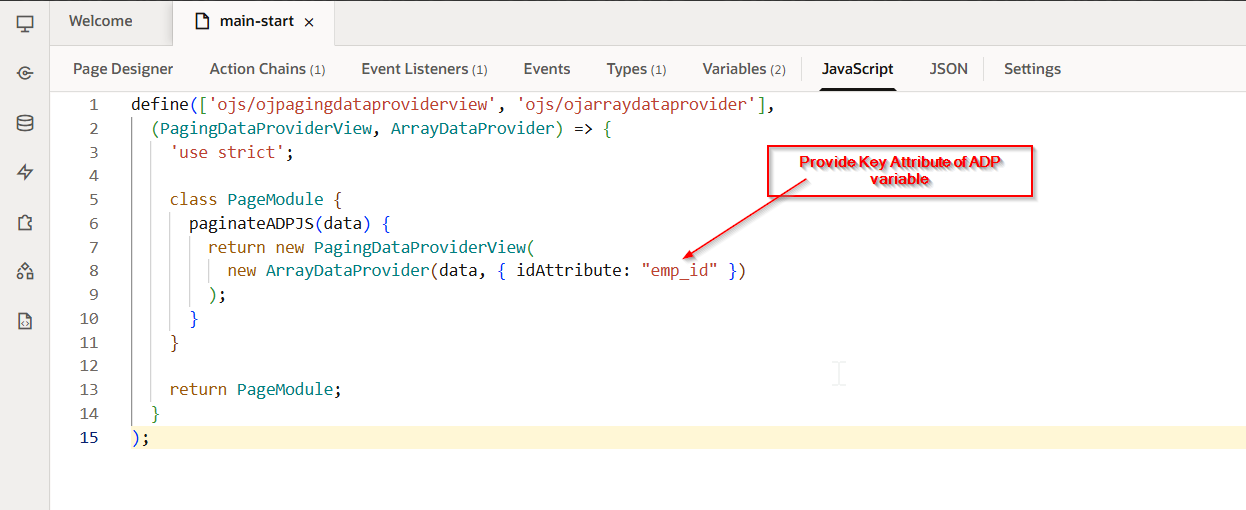
Javascript Code:
 define(['ojs/ojpagingdataproviderview', 'ojs/ojarraydataprovider'],

    (PagingDataProviderView, ArrayDataProvider) => {

      'use strict';

      class PageModule {

        paginateADPJS(data) {

          return new PagingDataProviderView(

            new ArrayDataProvider(data, { idAttribute: "emp_id" })

          );

        }

      }

      return PageModule;

    }

  );
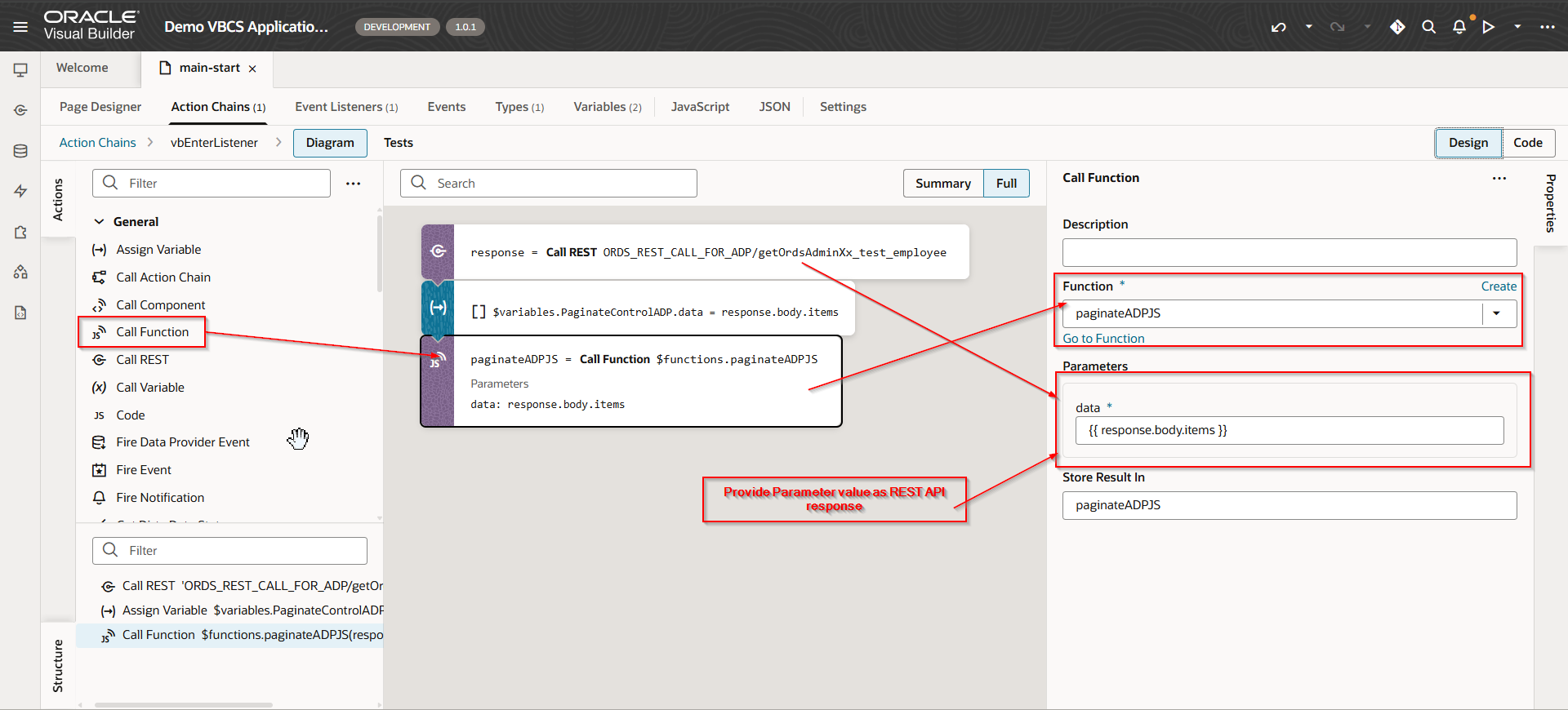
Navigate to action chain and call this function.
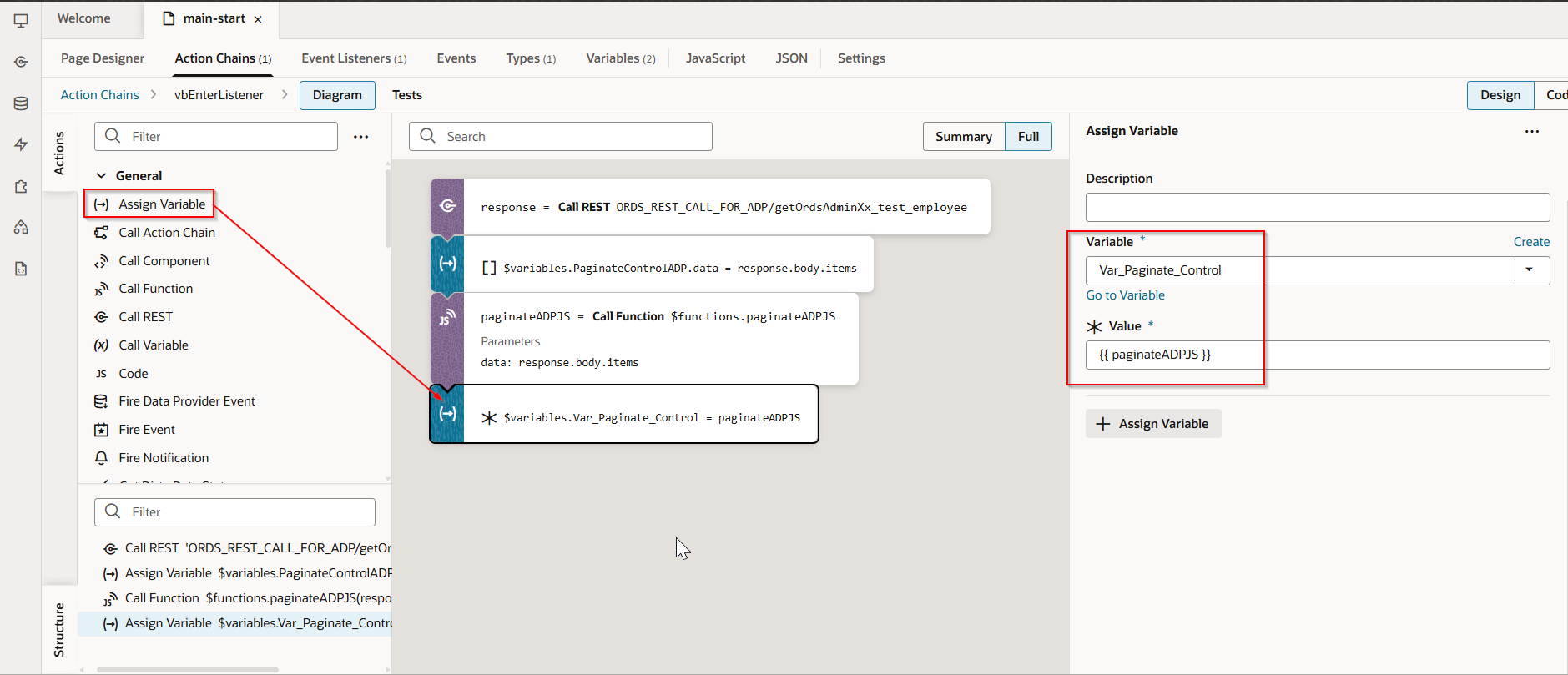
Assign Javascript function response to Var_Paginate_Control variable.
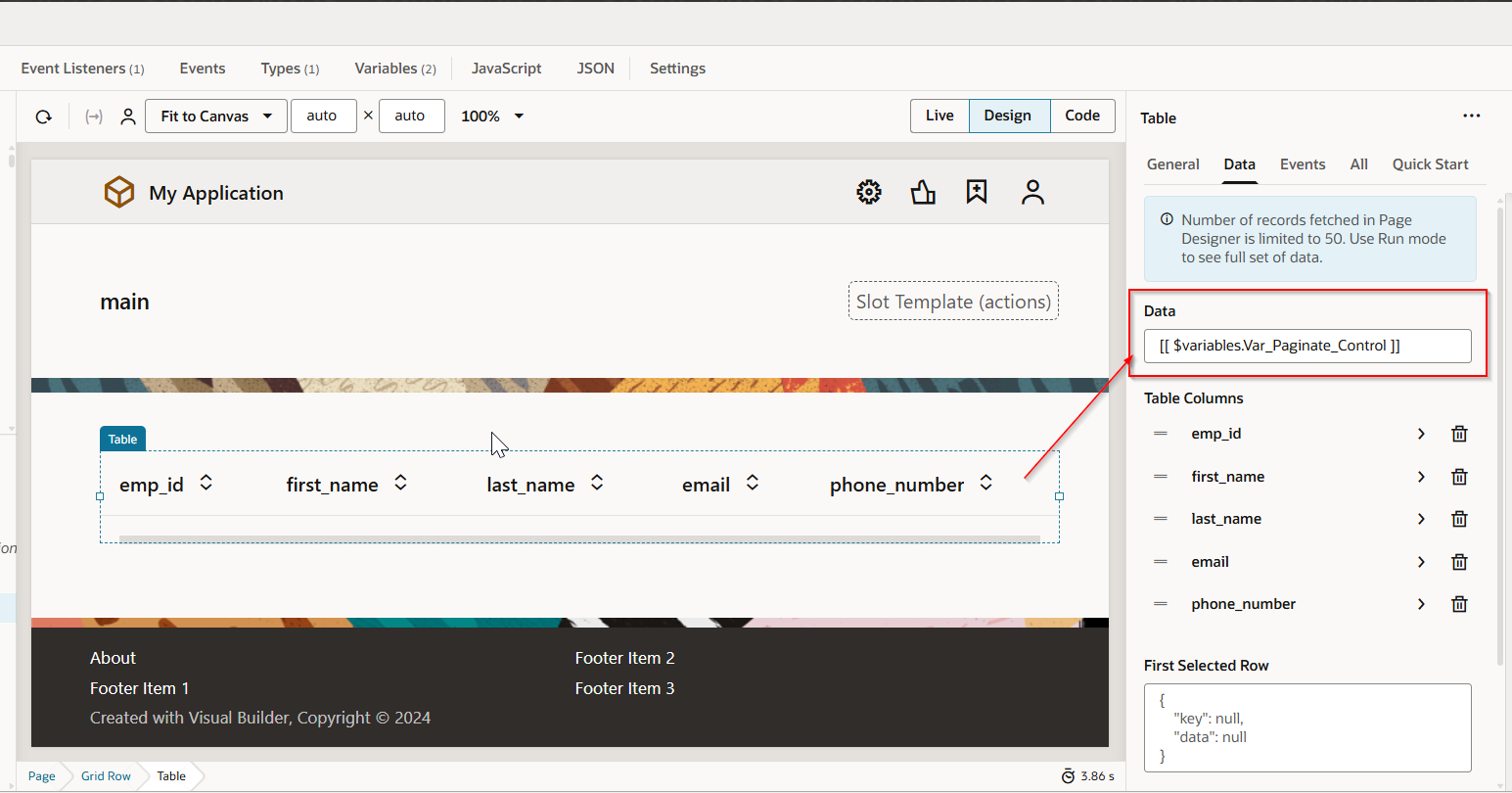
Change the data source for Table with this new variable.
Add Pagination control in code now.
Navigate to Page designer —>Code.
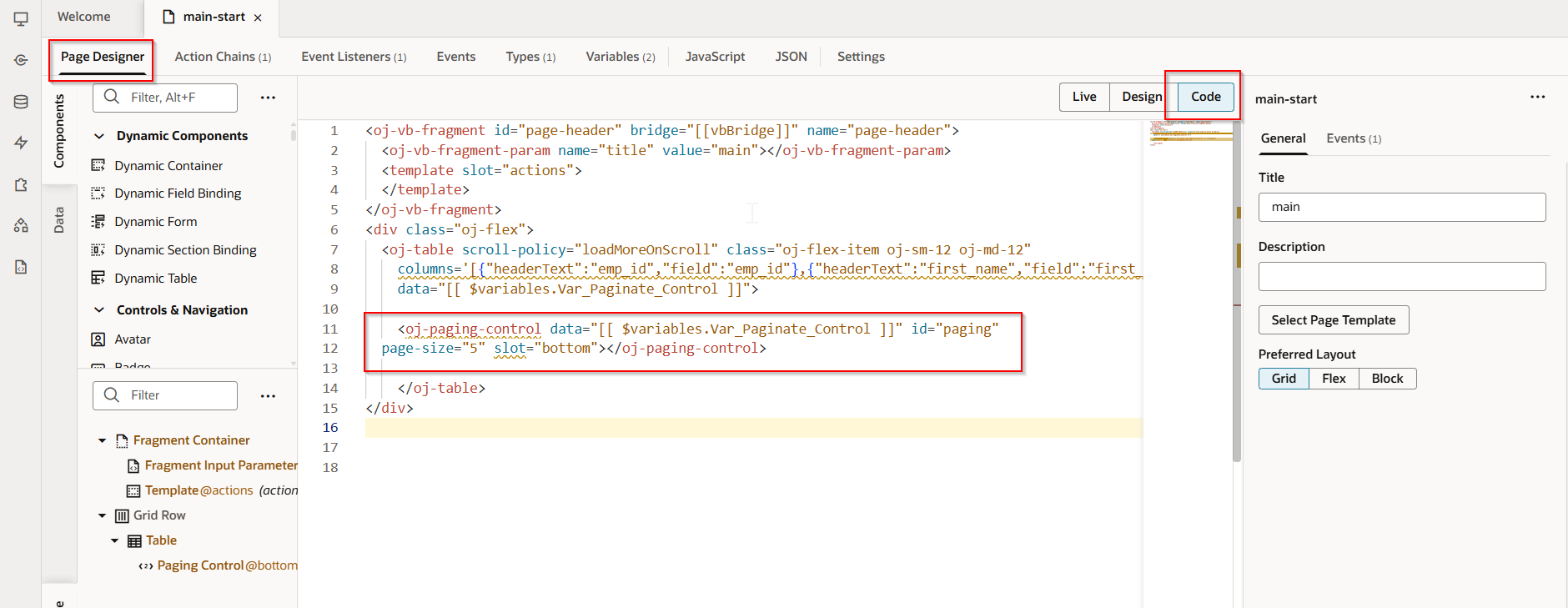
Add the code for Pagination control:
   <oj-paging-control data="[[ $variables.Var_Paginate_Control ]]" id="paging"

    page-size="5" slot="bottom"></oj-paging-control>
Run the Application.