
How to implement Pagination in VBCS with ORDS and SDP.
In this post, we will see how to implement pagination in VBCS with ORDS and SDP.
Pagination is a technique used in APIs (and UIs) to return large result sets in smaller, manageable chunks instead of all rows at once.
Imagine a table with 1 million rows.
If an API returns all rows in one response, it will be:
- Very slow
- High memory usage
- Network overload
- Client may crash
Pagination solves this by:
- Returning, say, 25 or 100 rows at a time
- Letting the client request the next page when needed
Pagination = splitting results into pages and fetching them incrementally.
Let us understand how to achieve pagination in VBCS page with ORDS as data source and SDP.
It is assumed that ORDS is already enabled for database tables.
Let us consider below REST API for database table:

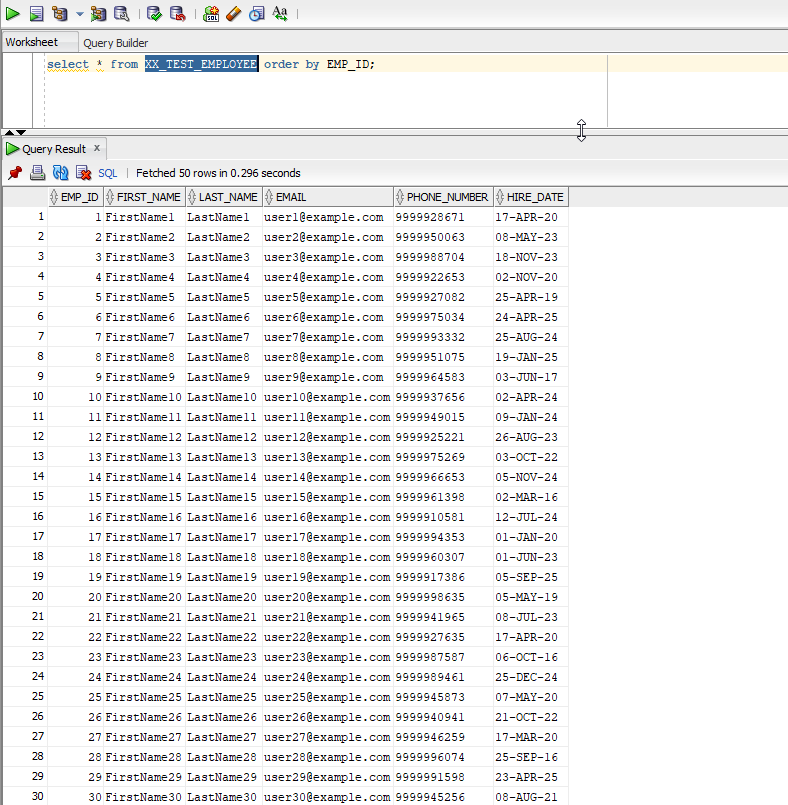
This REST API will provide data for XX_TEST_EMPLOYEE table created in ATP database.
Pagination for REST API can be achieved using limit and offset parameters.
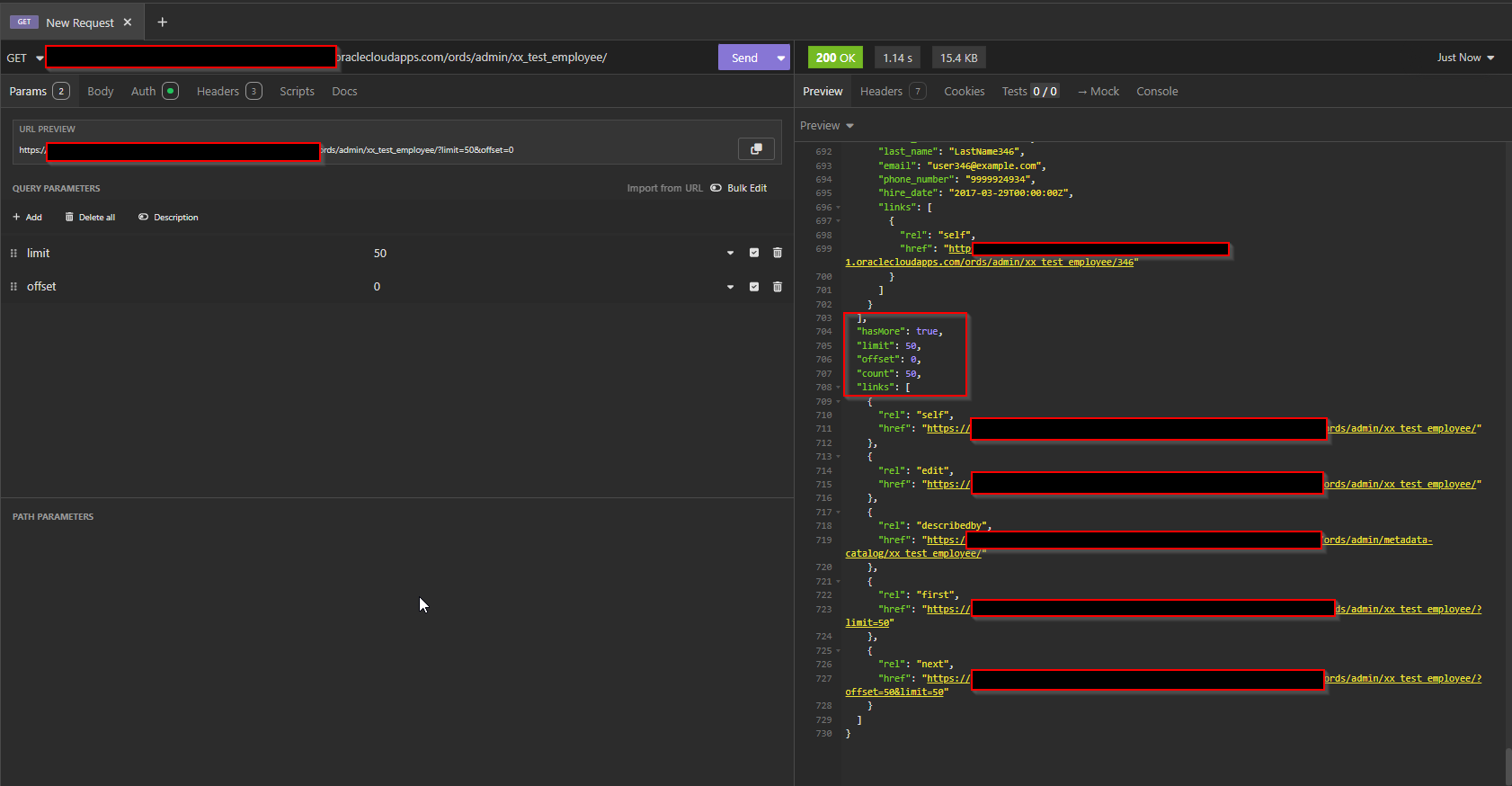
As we have used limit=50 and offset=0, it will fetch first 50 records only.
We can adjust number of records based on limit and offset parameter.
Let us use this REST API in VBCS application.
Navigate to VBCS.
Create new VBCS Web Apps.

Click on Create.
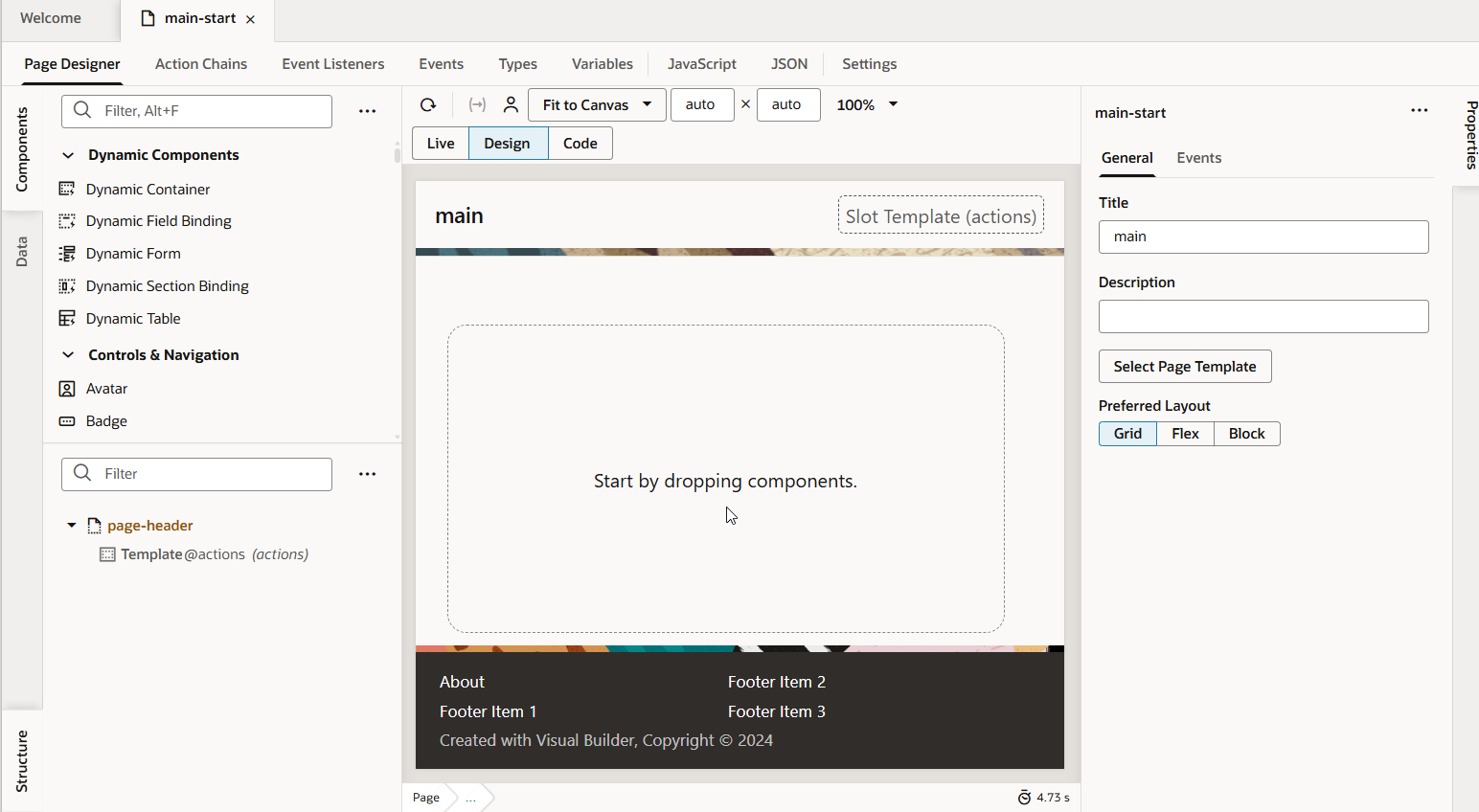
This will create application.
Navigate to Service Connection to add new service connection for ORDS REST API.
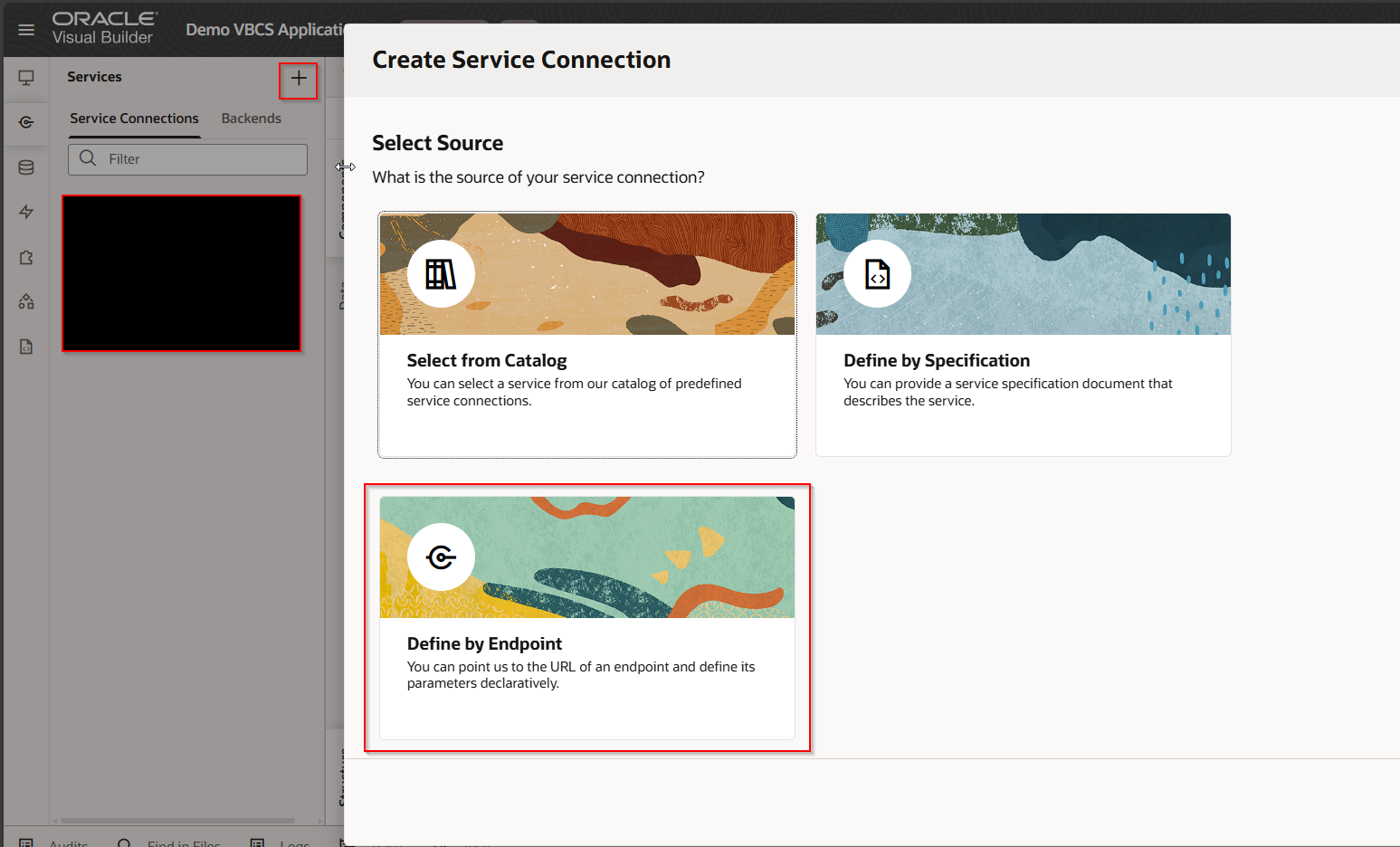
Select “Define by Endpoint”
Provide REST Endpoint URL as shown below:

Click on Create Backend.
Provide Backend Name and Backend Description.

Provide authentication details as shown below:
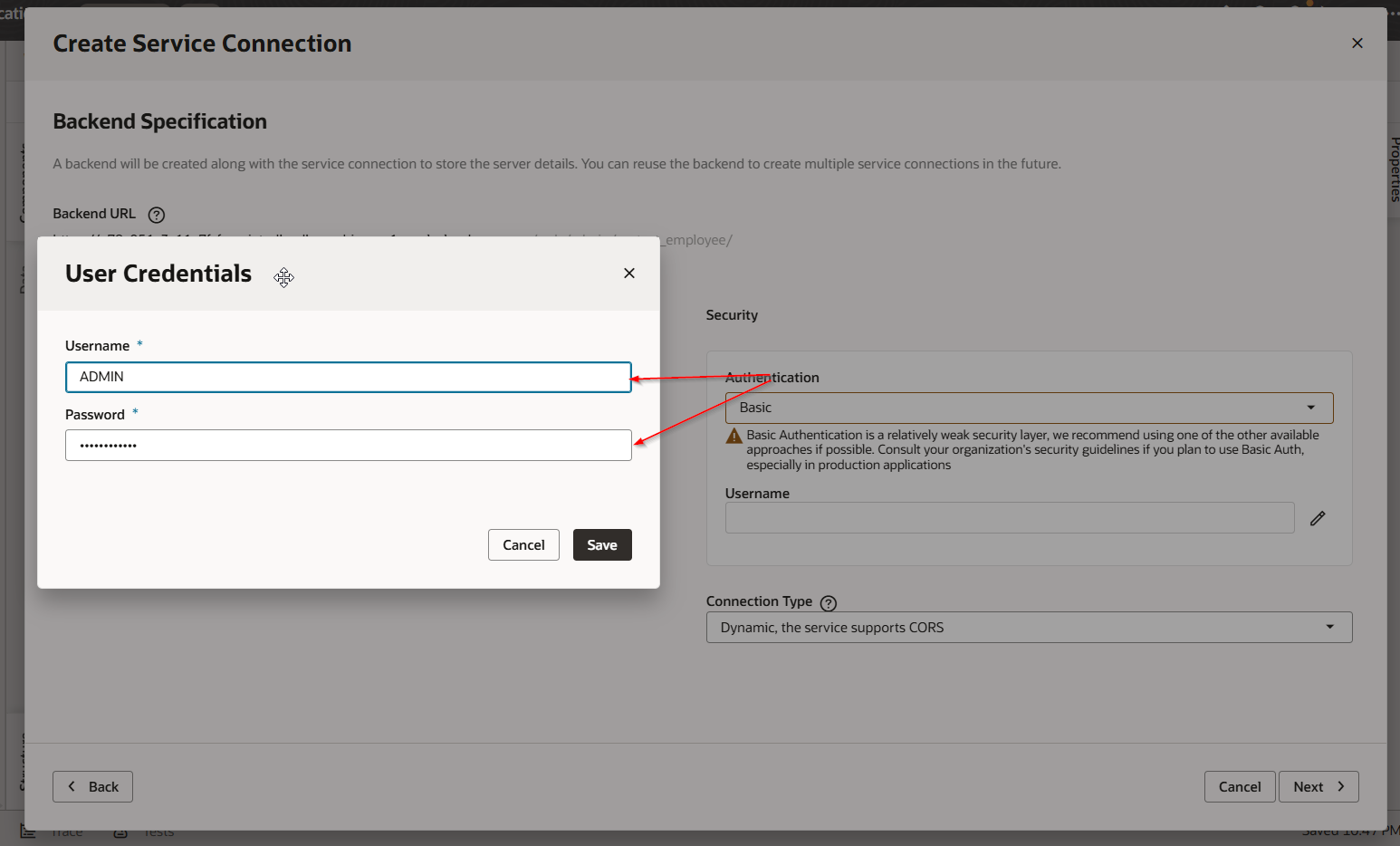
Click on Next.
Provide Service Name and Title.
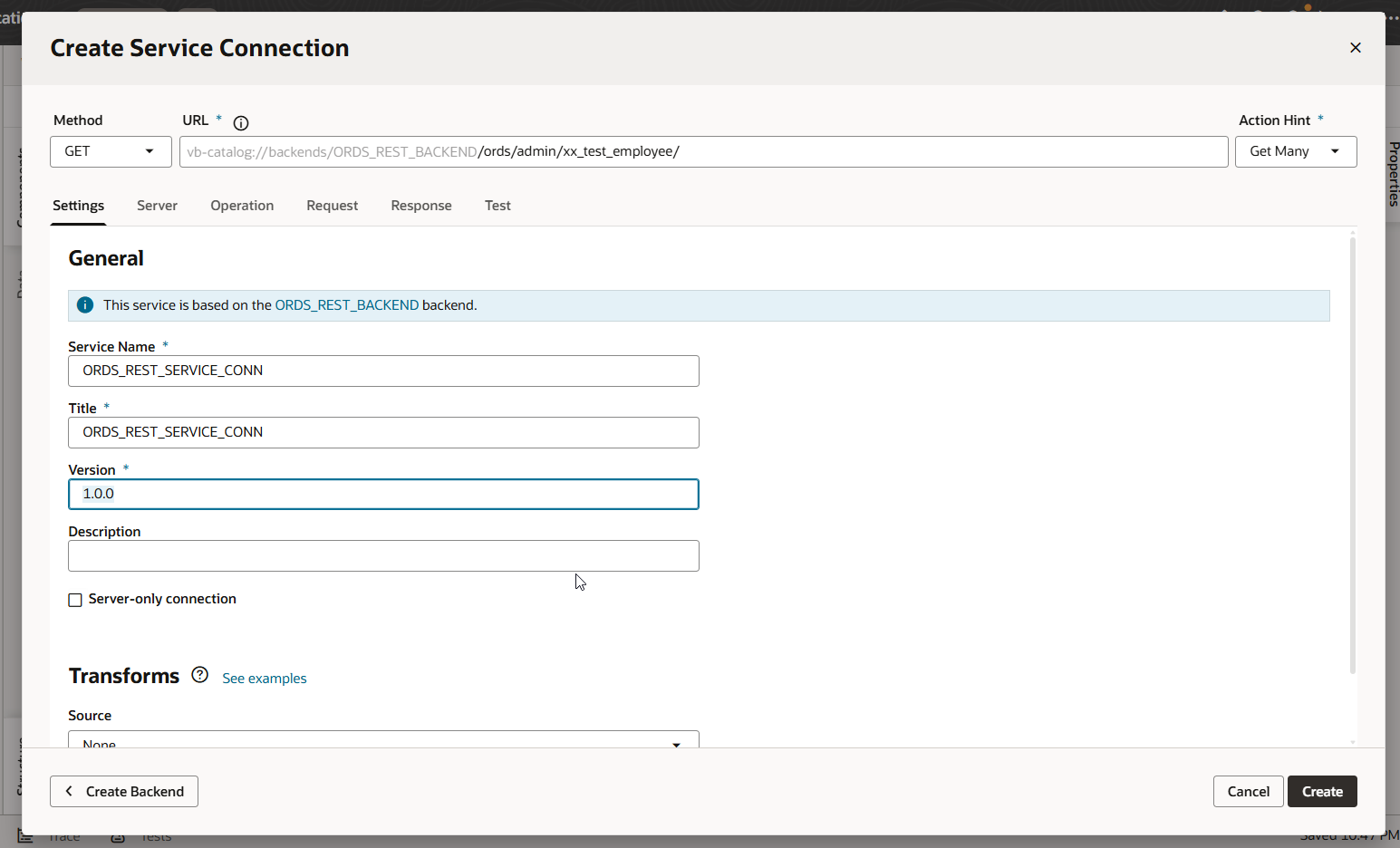 Click on Create.
This will create new service connection.
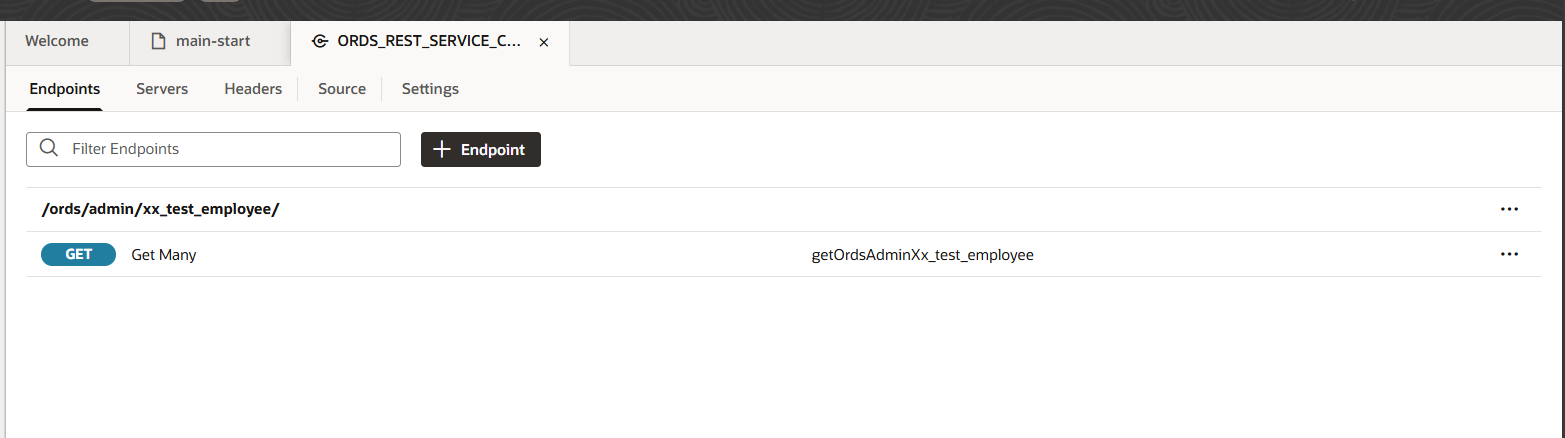
Click on Endpoint.
Navigate to Test-to-test REST endpoint.
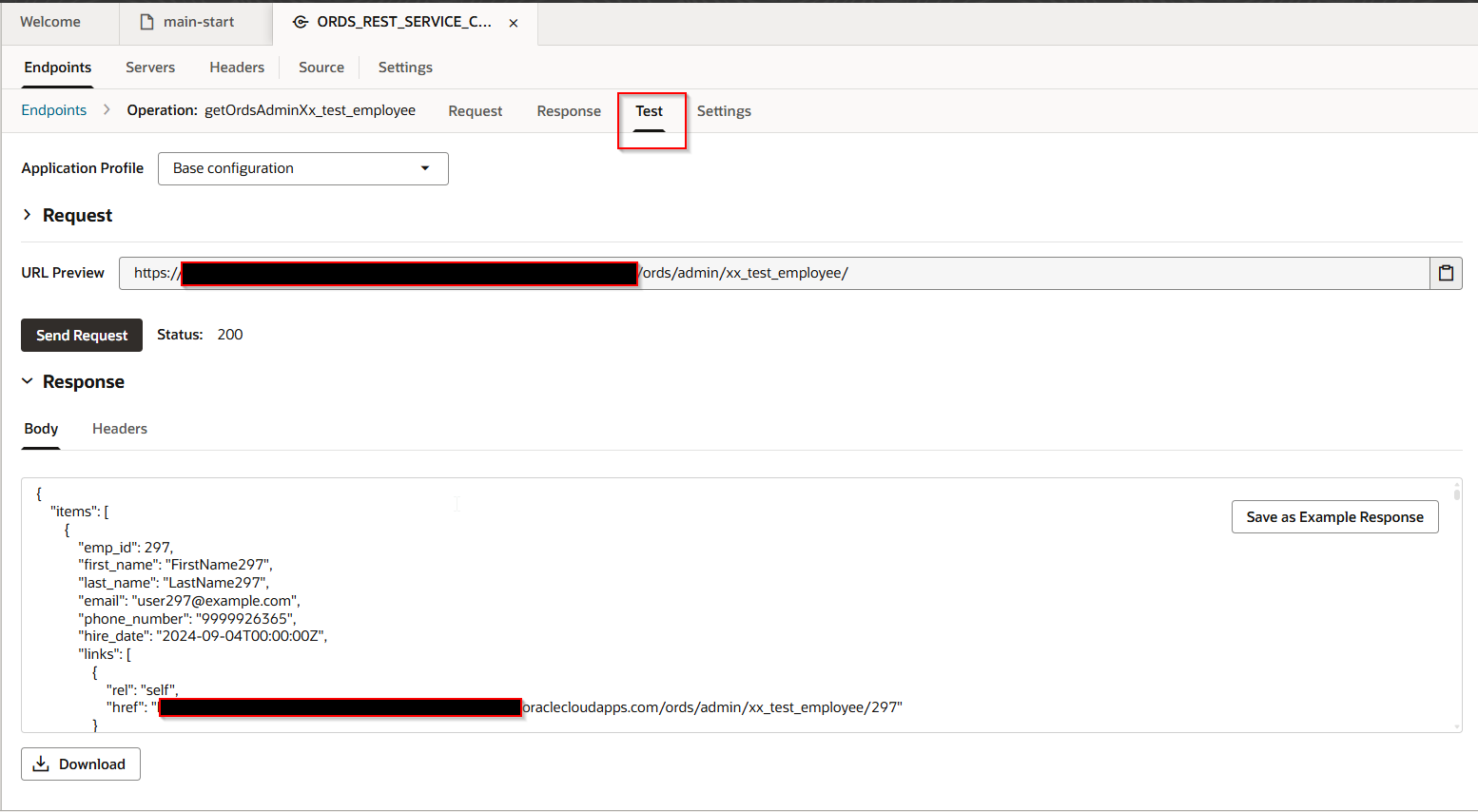
Let us use this service connection to create table on VBCS page.
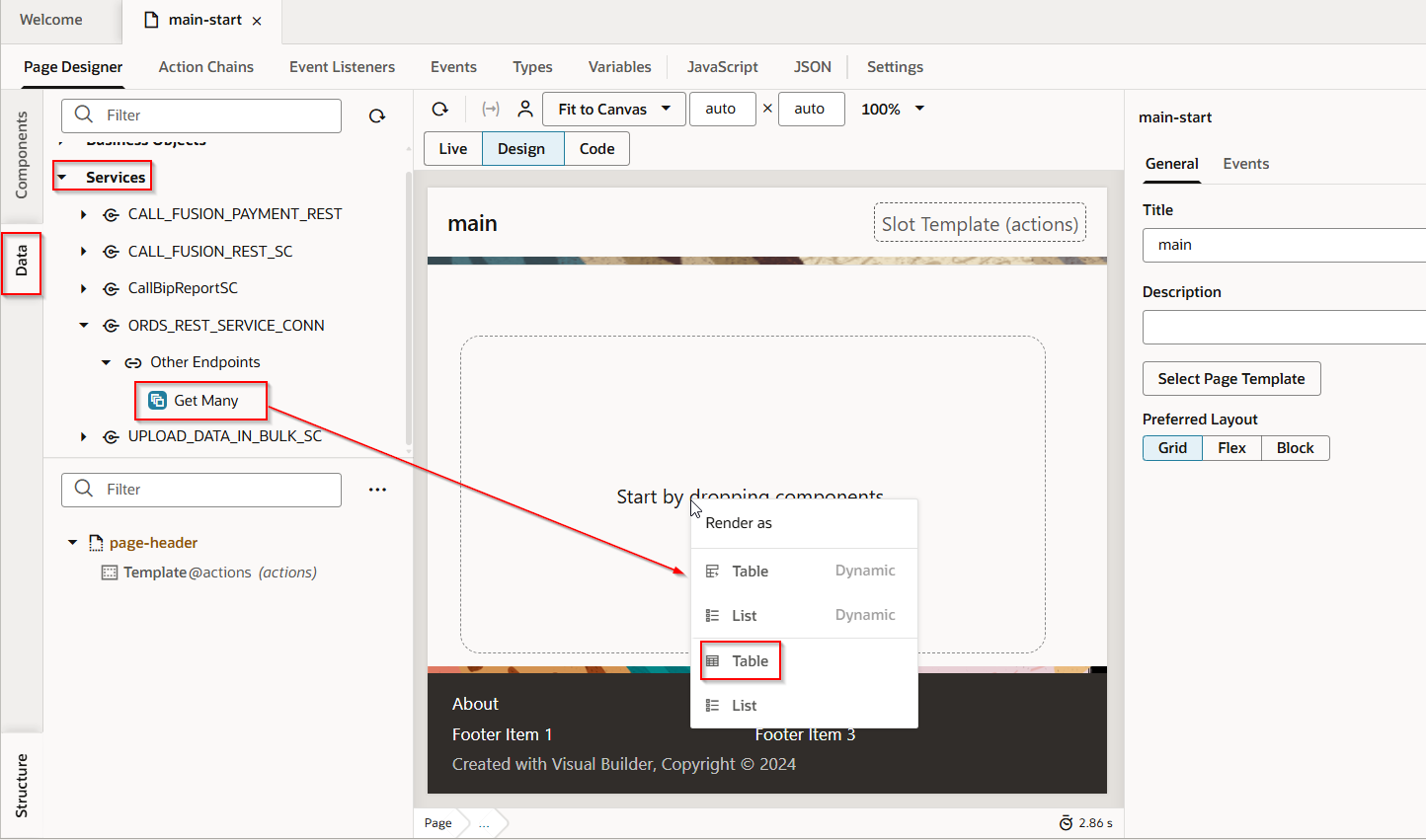
Drag and drop service connection on VBCS page and select Render as “Table”.
Select required fields which we want to display and primary key.
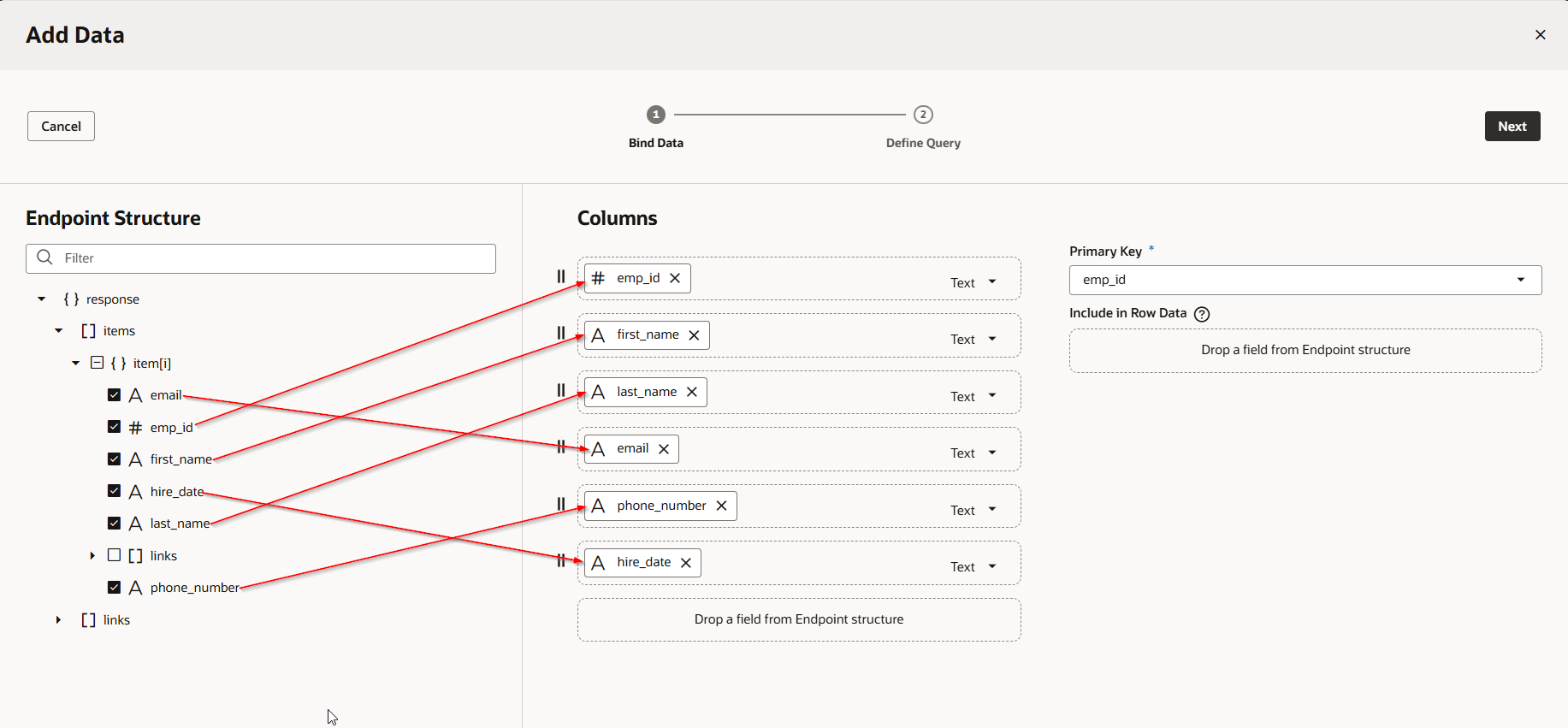
Click on Next.

Click on Finish.
Change the Page Title as shown below:
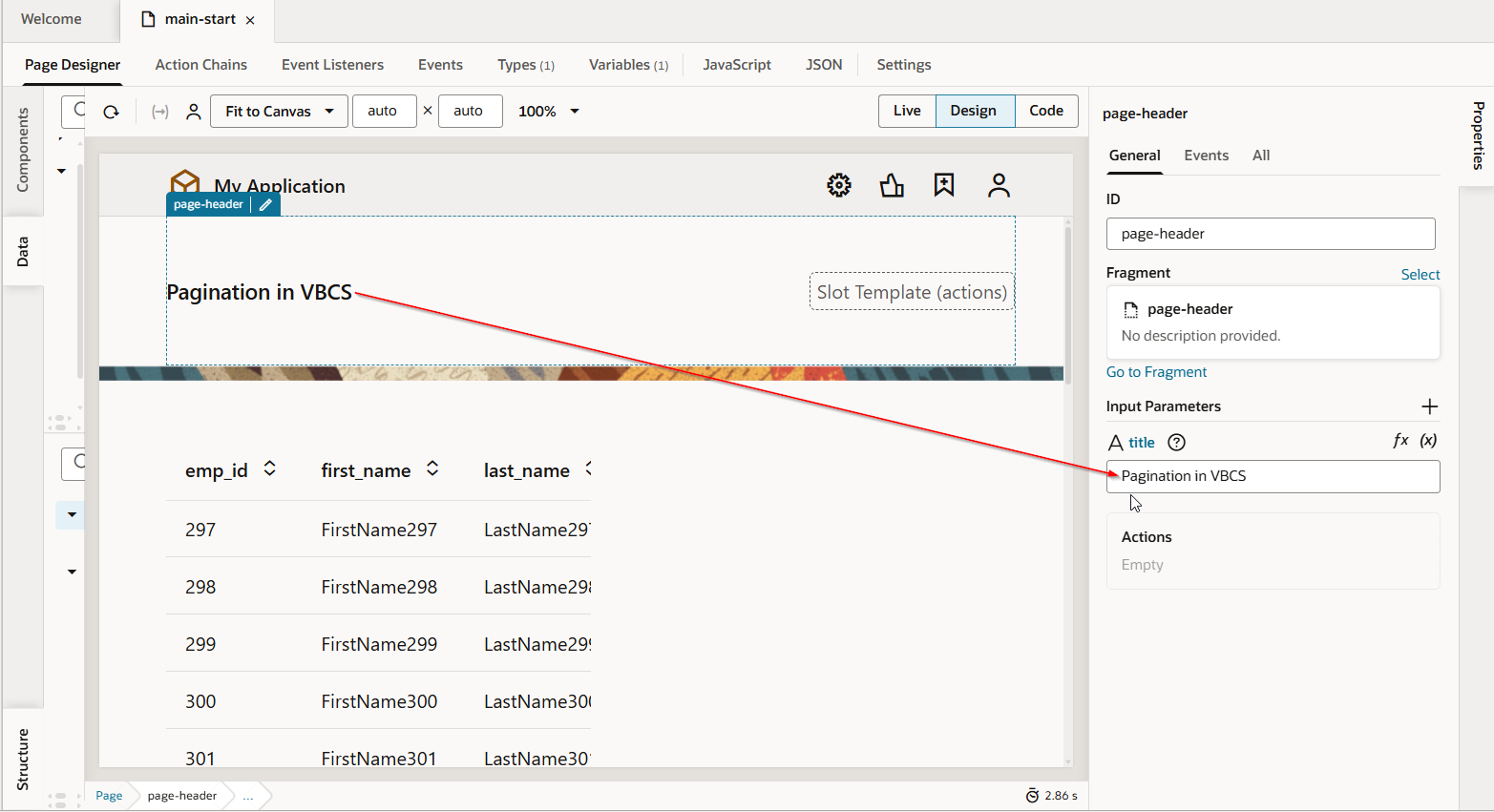
Let us run the application.
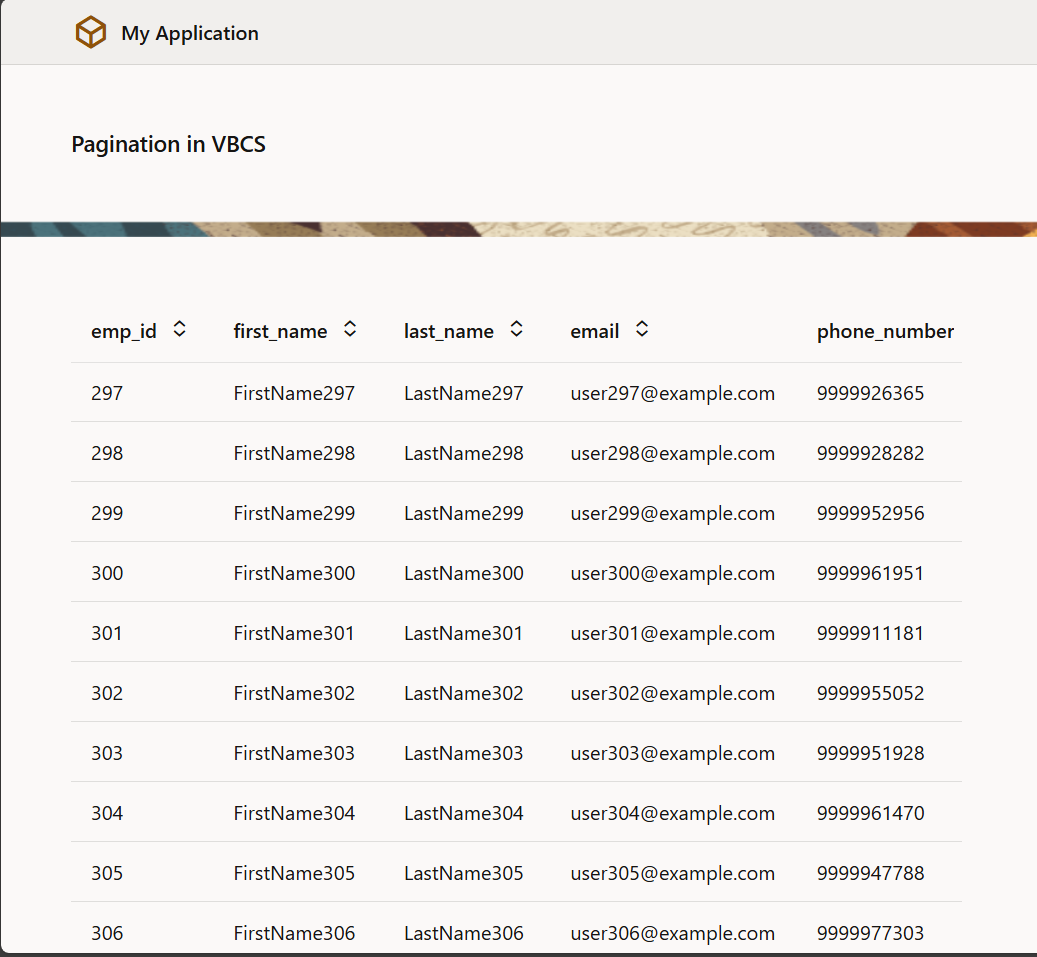
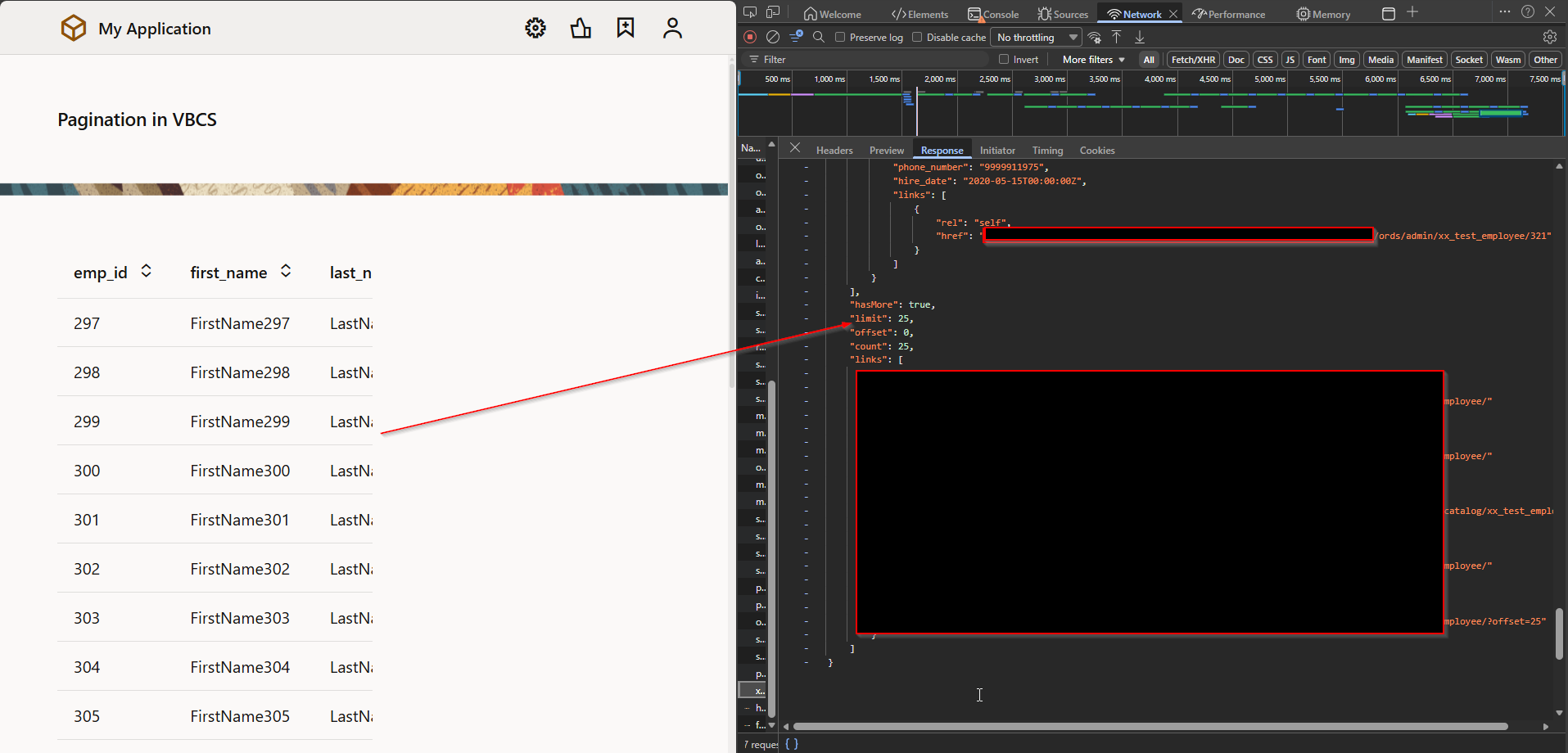
This will fetch only 25 records by default.
Let us implement pagination for this table.
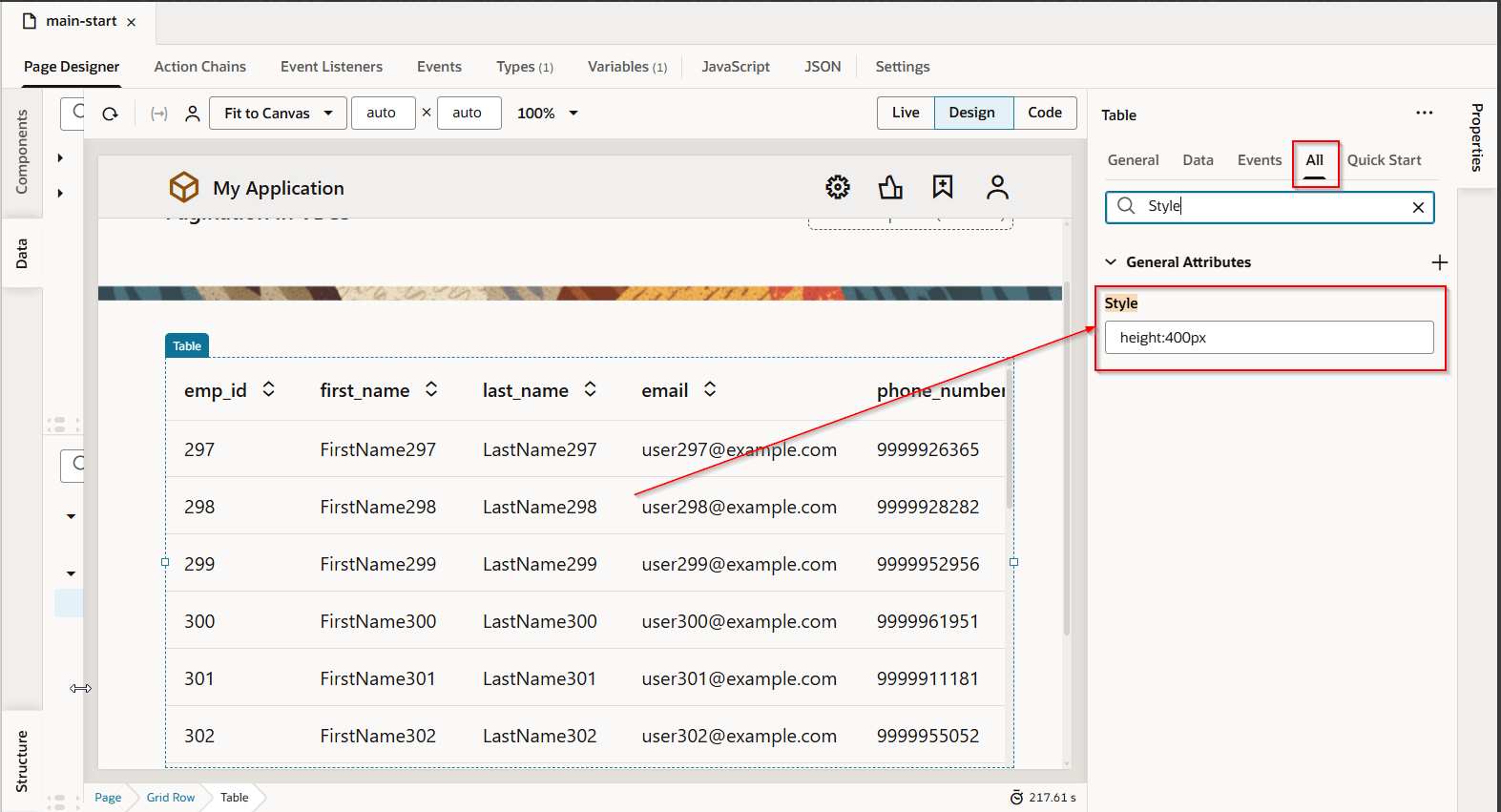
Set height for table by changing style property:
To implement pagination, we need to create transform.js file at service connection level. The custom transform.js will enable pagination automatically.
Go to Service Connection —->Setting

Provide File Name and select function as “paginate” and then Click on OK.
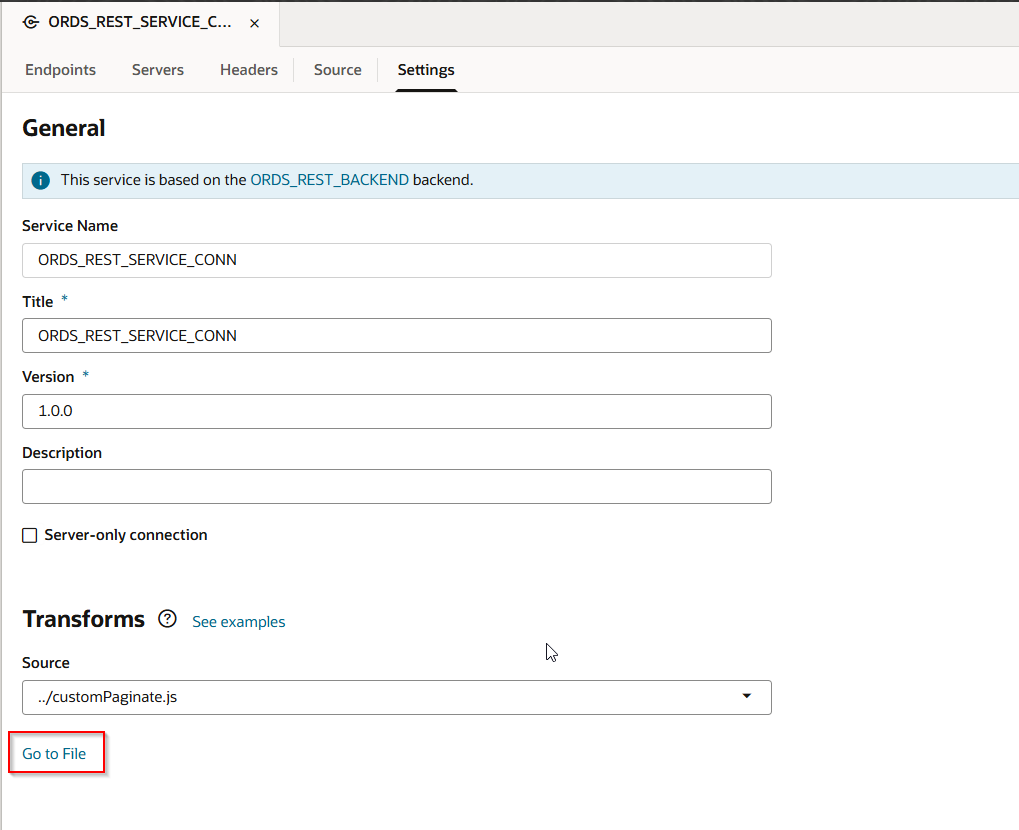
Click on Go to File.

The variable name for count, hasMore should be exactly same as per REST API response.
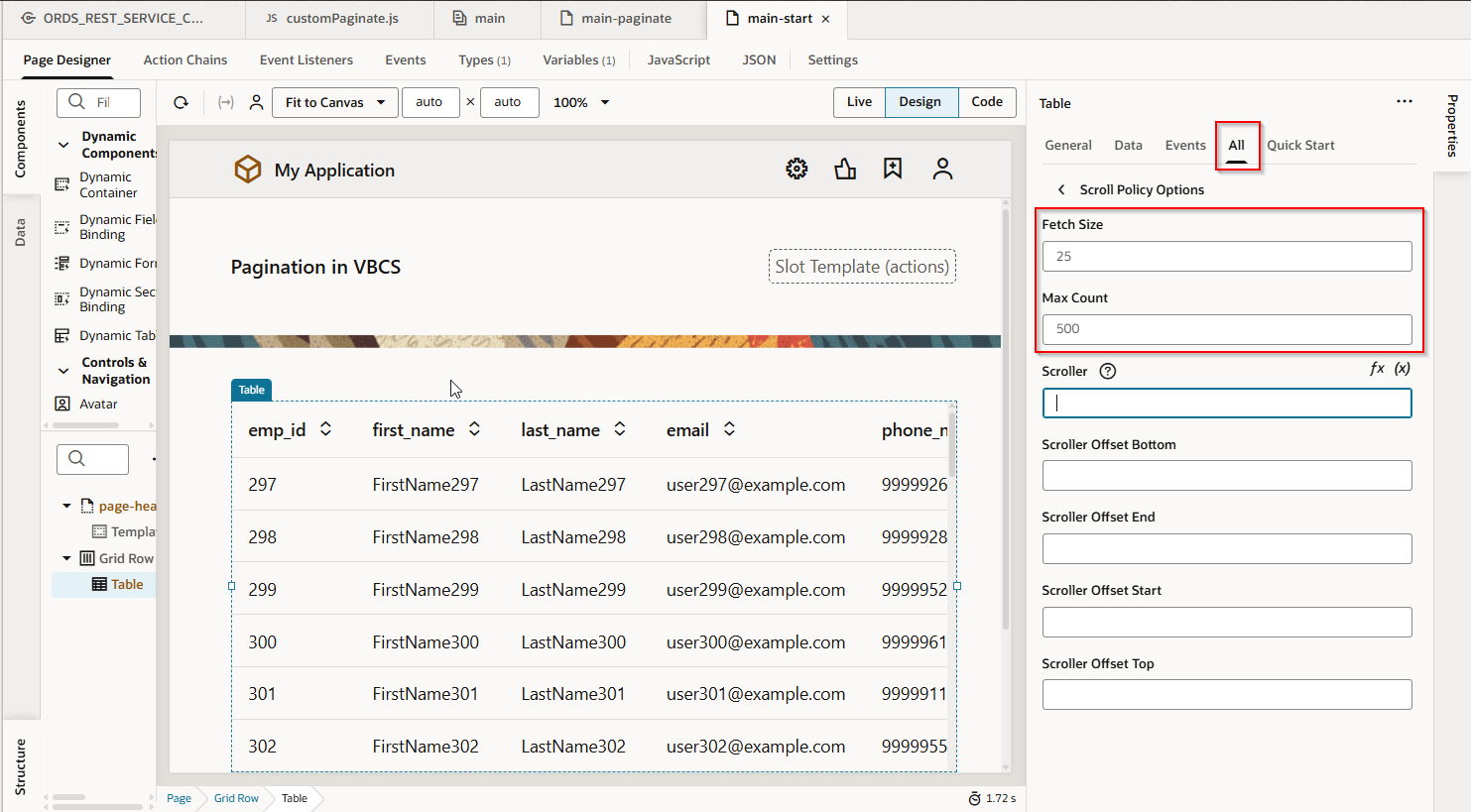
This will enable pagination with default value for fetch record as 25.
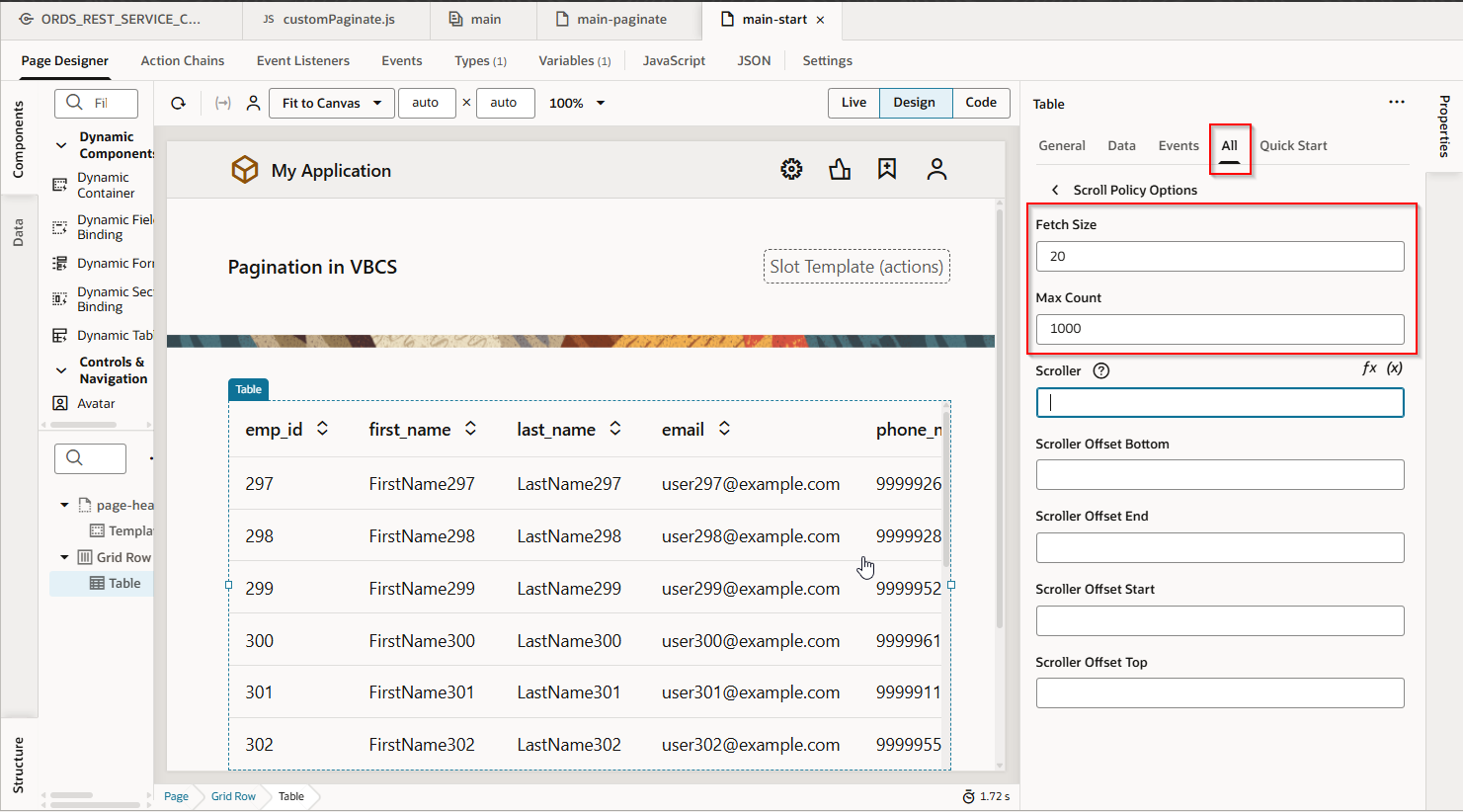
This value is set by default under “Scroll Policy Options” properties of table.
Let us run the application.
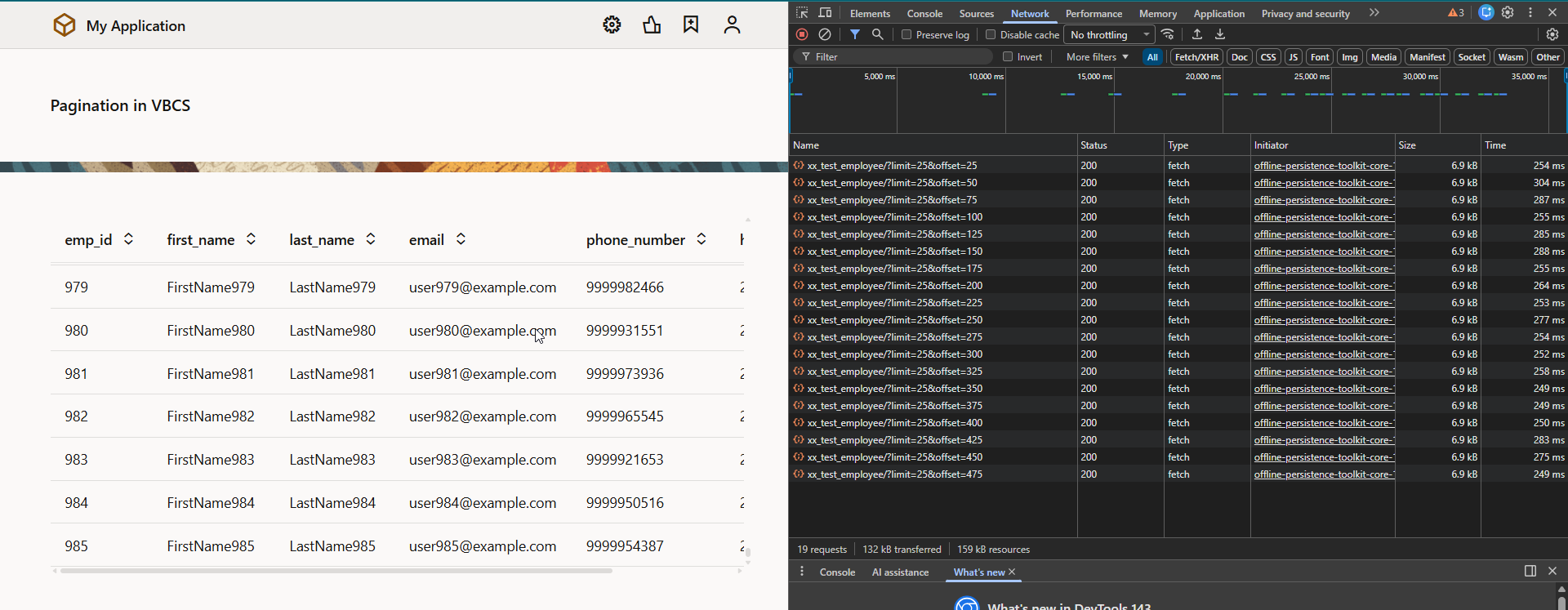
We can change the limit and max record count values by changing fetch size and Max Count values under “Scroll Policy Options” properties of table.
Let us run the application.
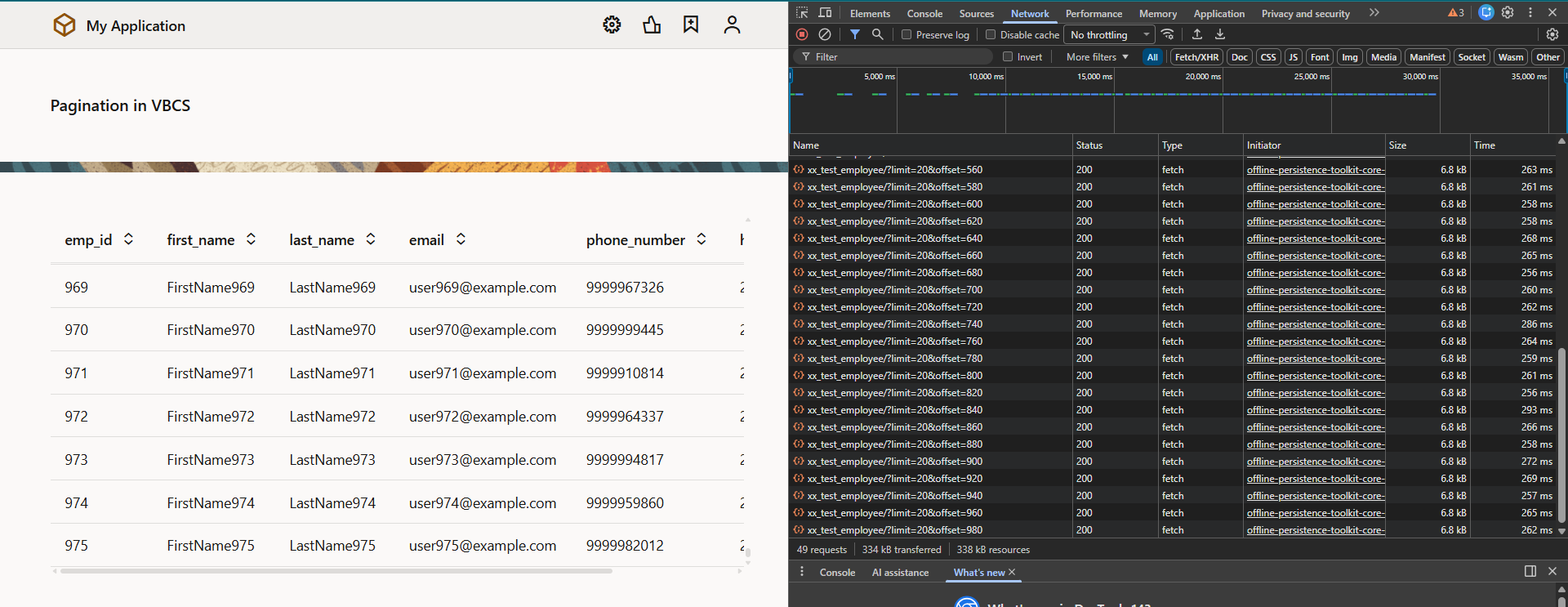
In this way, we can implement pagination in VBCS using SDP.
